Start with the role in your brand
Define the person you want to cast for the project: adult age range, general appearance, energy, pose and the customer moment. Keep the brief relevant to your brand and the garments. The model should help a viewer understand the clothes.
Choose a calm first image with a simple background. Leave elaborate styling, action and location changes for later. This makes it easier to compare identities and body proportions across the first options.
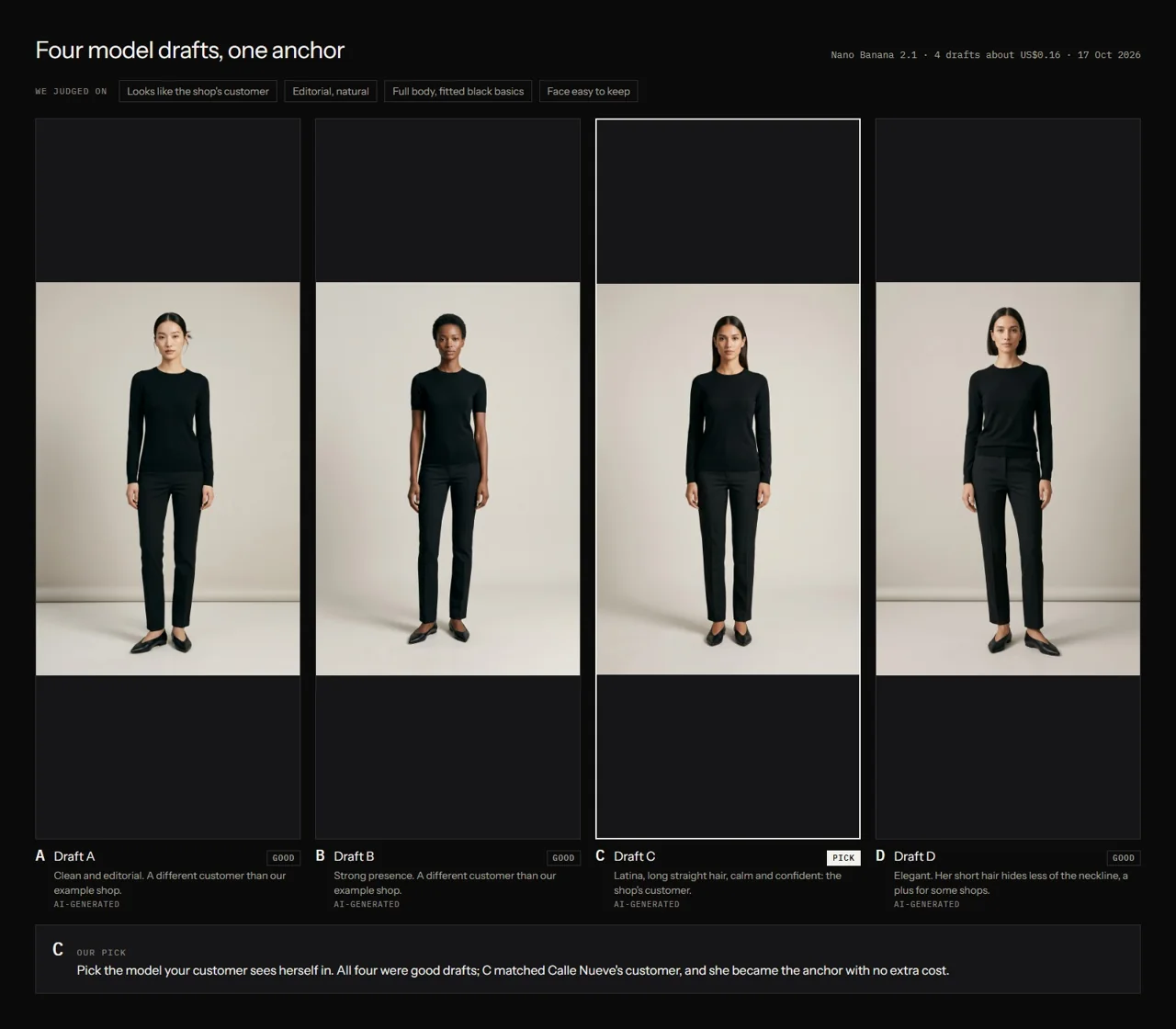
Compare a small set of drafts
Our model lesson compares four drafts side by side. Evaluate each against the same brief. Look at the face, posture, hands, full-body proportions and the space available to show the garment.
Write a short reason for the choice. A saved decision is useful when a later result looks appealing but drifts away from your selected identity. Keep the unselected drafts in a separate folder so they do not become accidental references.
- Use the same casting brief for the options.
- Compare face and full-body views at useful sizes.
- Look for clear, reusable reference angles.
- Choose one identity and record why it fits.
Create an anchor you can reuse
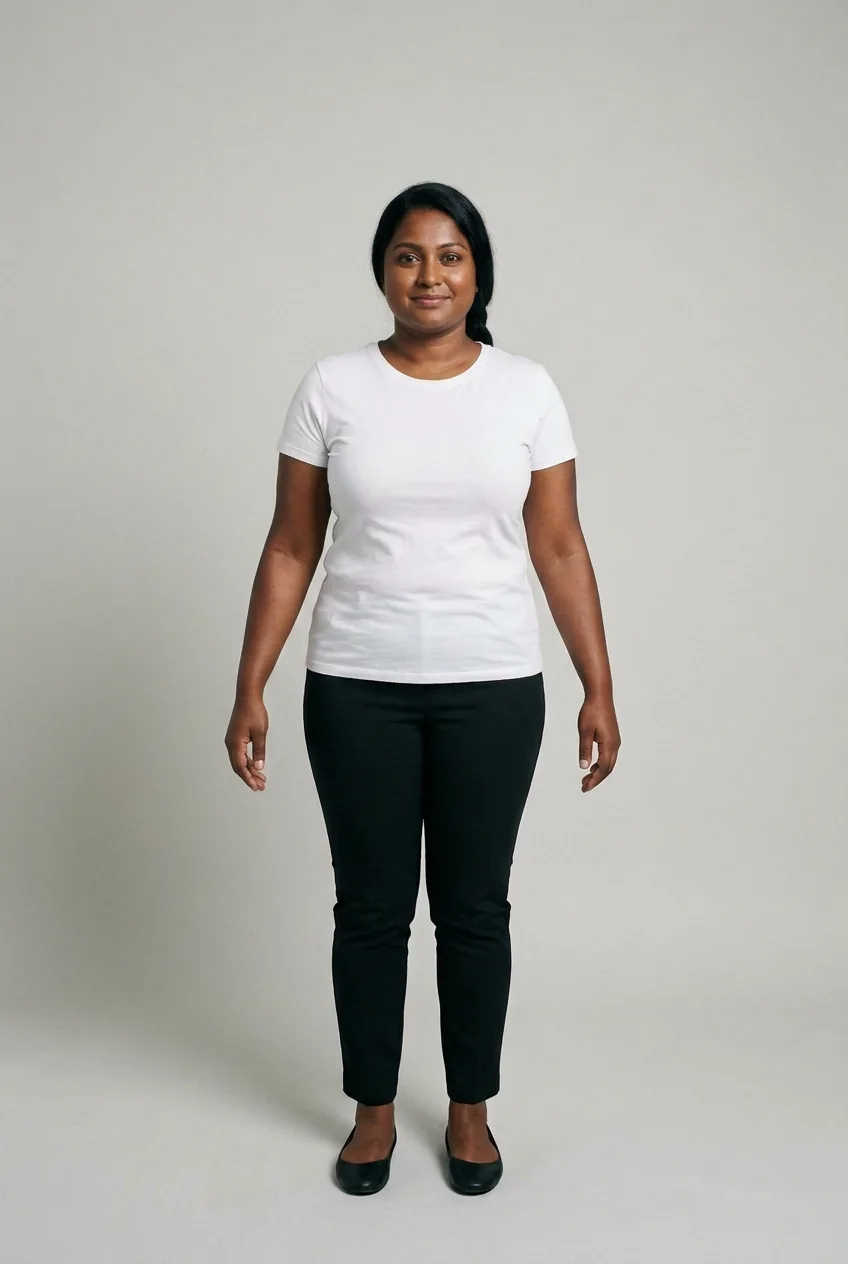
An anchor is the selected reference image used to check the identity in future outputs. Save the original at its available quality. Give it a stable filename and keep it with the written casting brief.
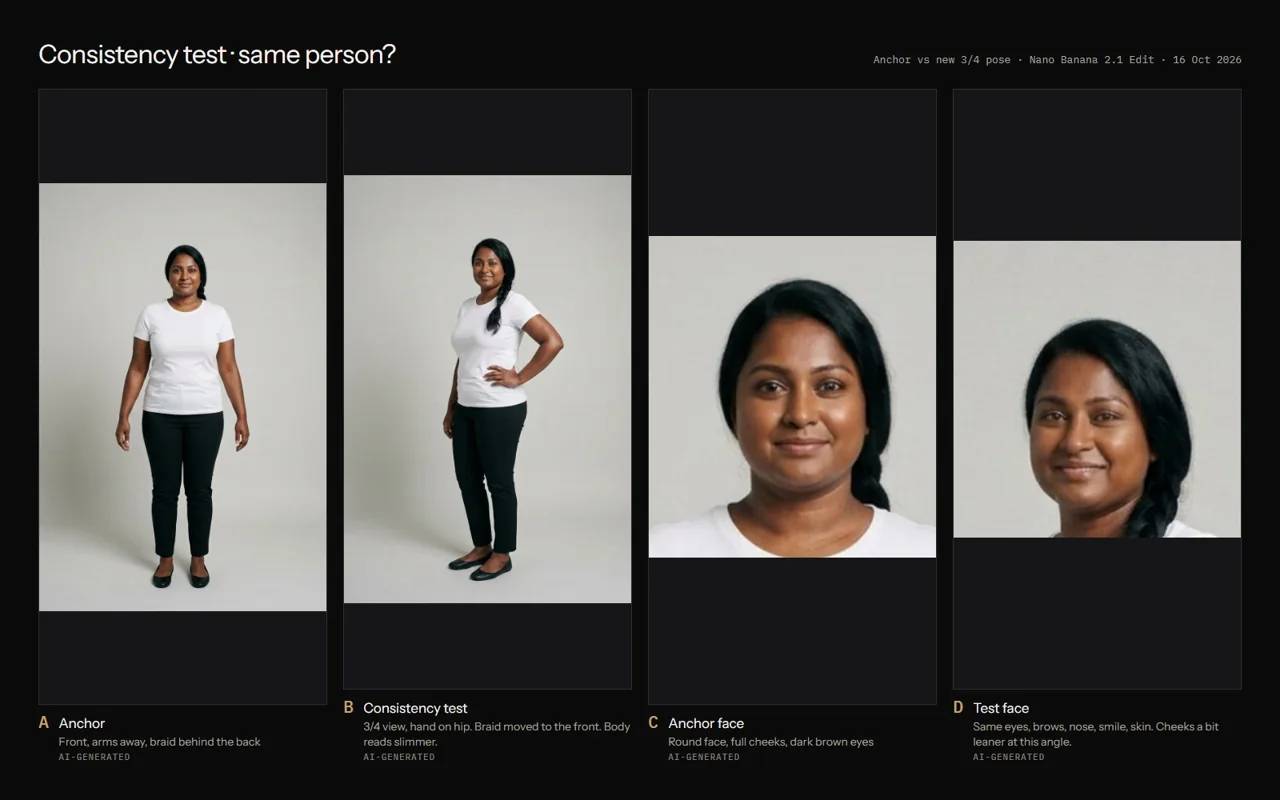
The course uses Nila as a synthetic adult model example. The neutral full-body image is an identity reference. It does not prove how any real garment will fit a customer.
Run a consistency test before styling
Ask for one additional view using the chosen anchor. Compare facial structure, hair, body proportions and overall identity. Keep the test simple enough that a mismatch is visible.
If the model changes, keep the rejected test and identify the difference. Try a clearer anchor or a smaller requested change. Record the settings and result before making a larger batch.
Help me write a casting brief for a synthetic adult model for [brand and customer moment]. Propose a simple neutral full-body reference pose. After I choose an identity, plan one second-view test. Tell me which face and body features to compare. Keep a record of the chosen anchor and do not treat a new generation as consistent until reviewed.
Add your clothes after identity review
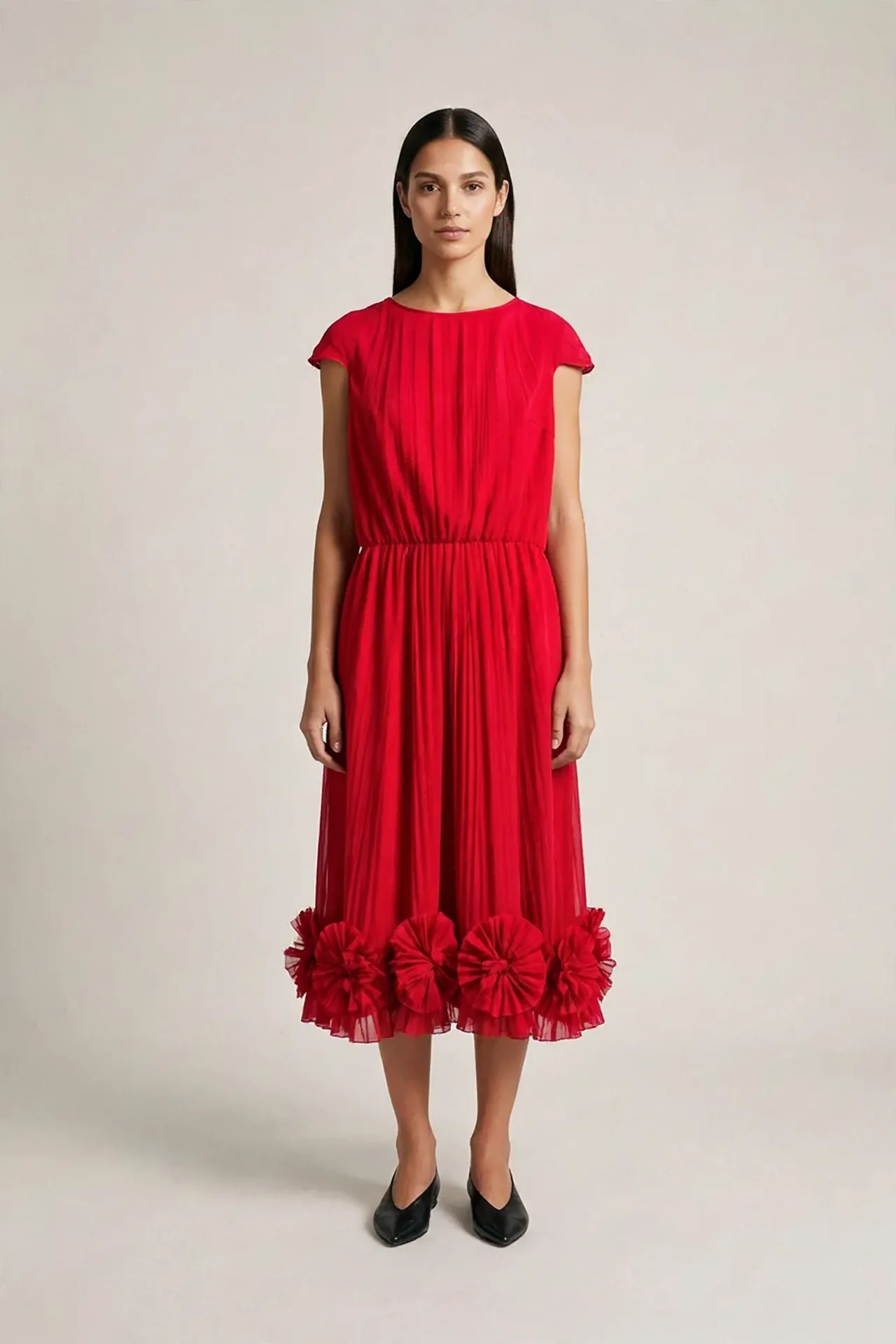
Use the approved model anchor and real garment references as separate inputs. Explain which reference controls the person and which controls the clothing. Describe the garment length and sleeves in words.
Review both the clothing and the face in the result. A styling attempt can preserve the model but alter the dress, or preserve the dress while changing the model. Keep these as separate checks.
Keep a casting record for the campaign
Save the brief, draft options, selected anchor, consistency test and review. Reuse the approved anchor when starting a new scene. If you approve a new identity version, name it explicitly and preserve the previous reference.
This process gives your campaign a defined cast. Add new poses and locations gradually, checking each result. The repeated comparison is what lets you decide whether a set belongs together.
Questions before you start
Can I use a real person as the reference?
Use a reference only when you have the rights and permission needed for the intended use. The course provides a synthetic adult practice route.
Does an anchor guarantee the same face?
No. It gives you a reference for generation and review. Each new output can drift and needs comparison.
Examples and sources
Adapted from Create Your Model, including four draft options, the Nila anchor and the second-view consistency exercise.
Written by Fashion AI Skool using its course materials and practice records. Updated October 20, 2026. Generated examples demonstrate a process; they do not certify unseen product details.