
A creative studio for people who sell clothes
Your clothes.
Your campaign.
Create fashion photos and videos with specialized AI agents. Learn by having a conversation, one clear step at a time.
Start from zero. Set up your studio in 20 to 30 minutes, once.
Then work at your own pace.
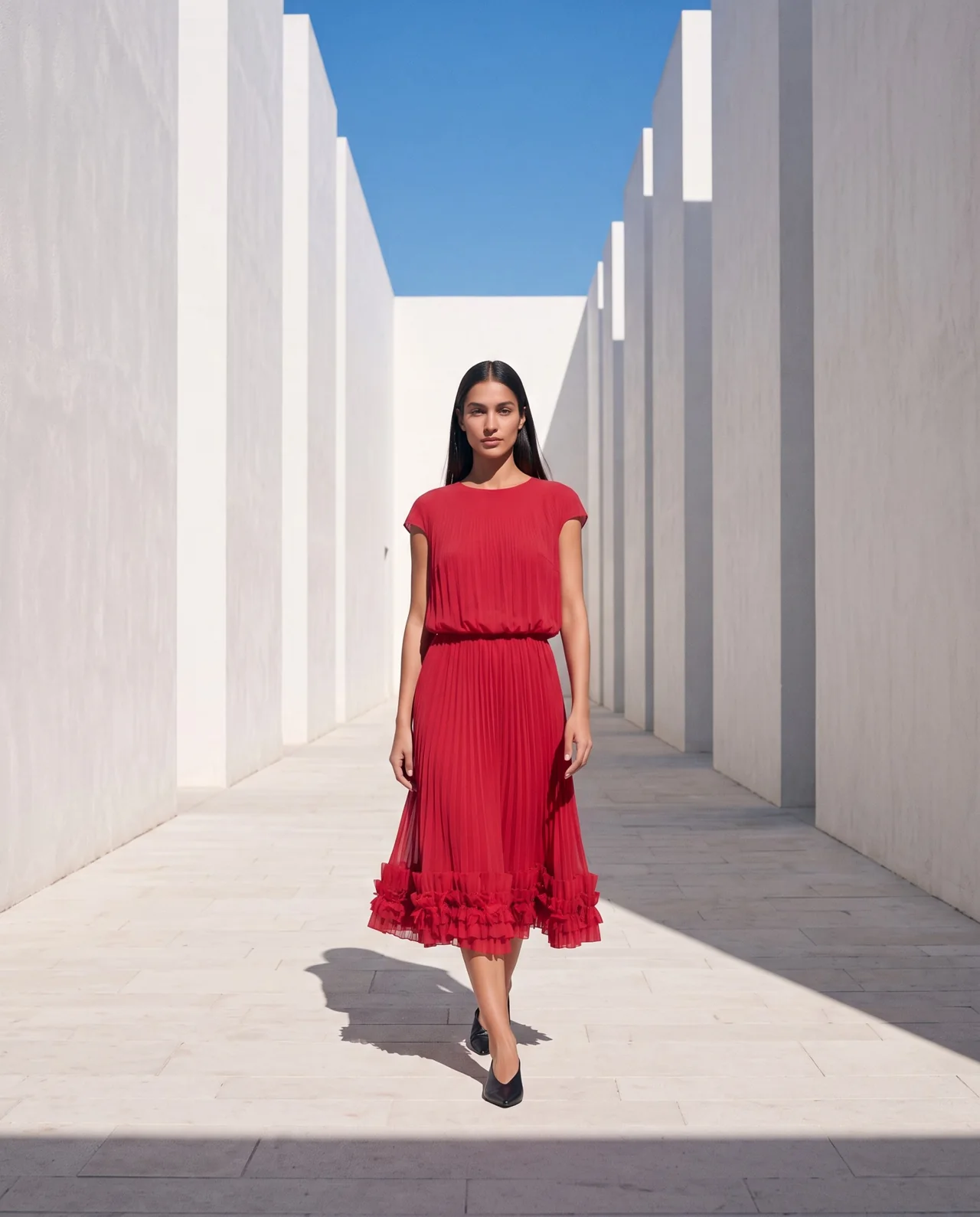 AI-generated campaign example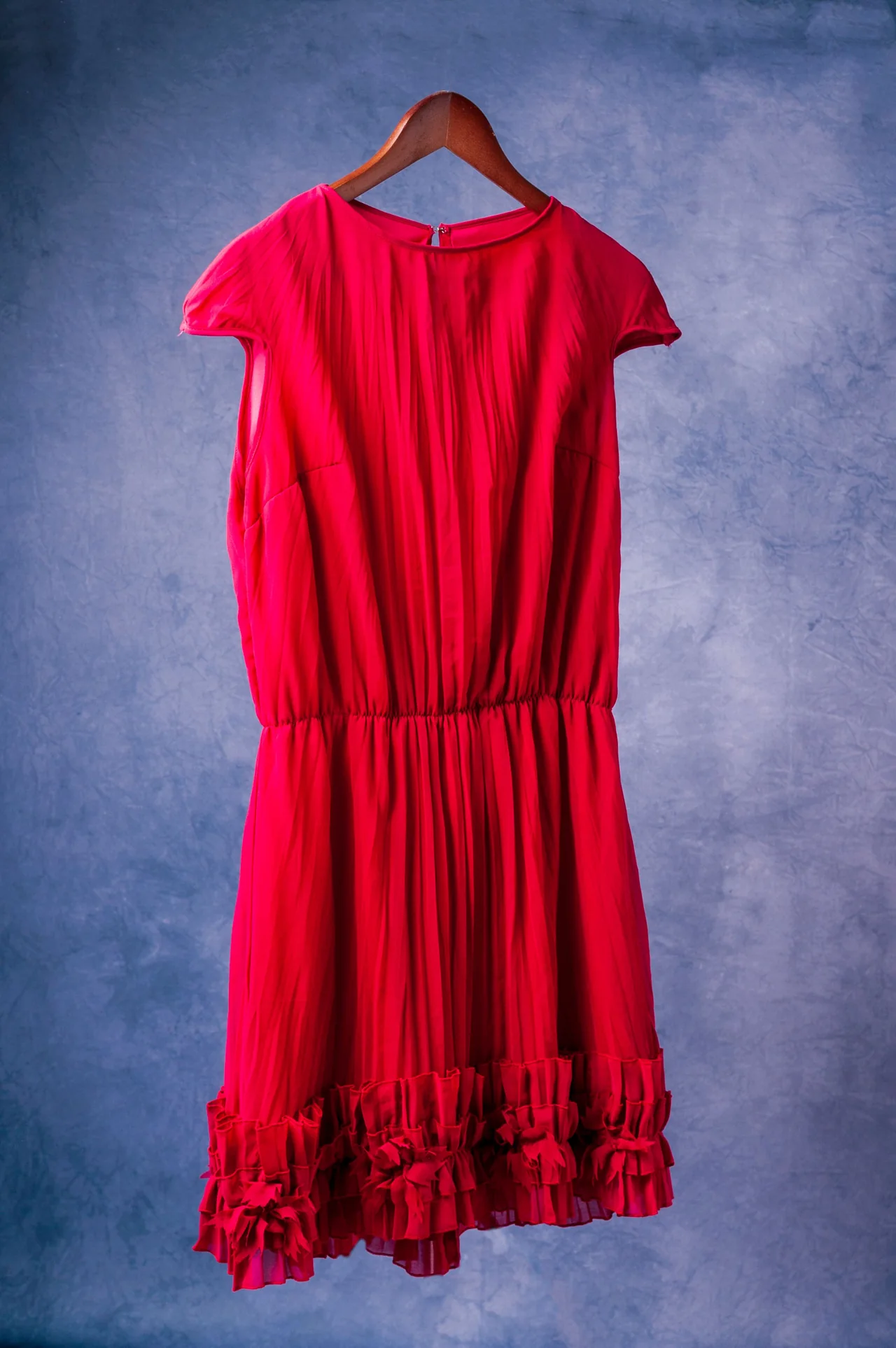
Front details remain unverified.
Watch the introduction · 1:26
The campaign in your head can become your next creative project.
Your next launch needs a visual story. We give you the agents, tools and step-by-step lessons to start making it.
Watch with the full transcriptFrom a garment to a whole creative workflow.
Prepare the reference. Direct the scene. Check the details. Then build photos, posts and short videos around your collection.
1 / Start with your clothesShow what makes the piece yours.
Use clear references of the actual garment. Record what is visible and what still needs a photo.
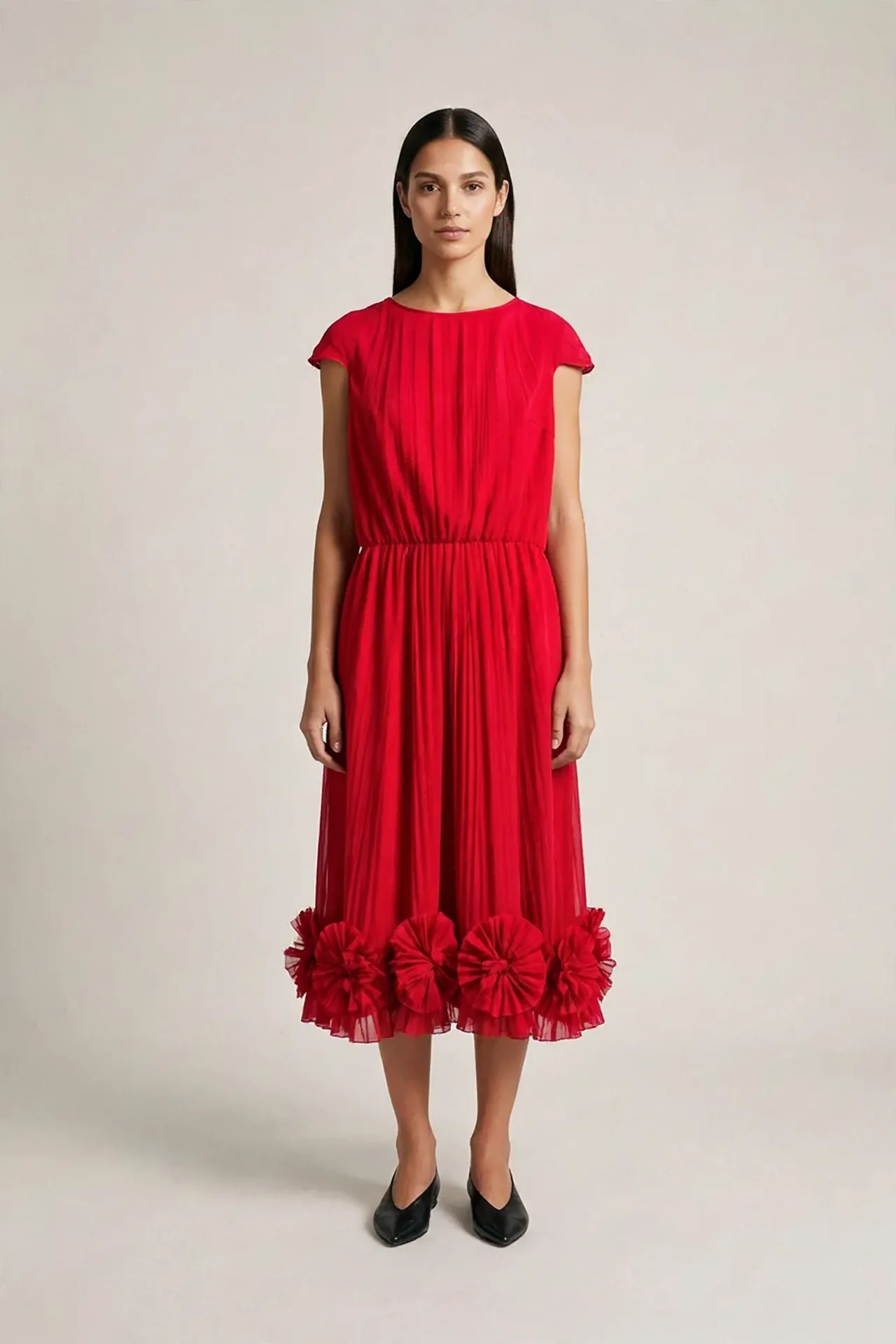 2 / Make and refine
Describe the result you want.
Your agent helps prepare the brief. You approve the plan and cost, compare the result and ask for a focused correction.
Give your campaign another dimension.
Turn a selected image into a short clip. Learn to direct movement and review changes throughout the video.
Teaching examples include generated images and video. Attractive results still need a garment check. The supplied red-dress reference shows the back; it cannot verify the generated front.
Creative superpowers, through a conversation.
Specialized agents help you organize decisions and make progress. They work in Code inside Claude Desktop, with fal for image and video generation.
Describe your goal in plain language. Ask for options, choose a direction and keep the decisions in your brand file.
Brand & collection
Shape a clear identity and a collection story.
Model & styling
Build your model reference and direct a look.
Campaign & video
Plan scenes, posts and a first motion test.
Setup & garment review
Get your tools ready and compare the visible details.
Eight courses. A clear place to start.
Follow the path from setup to your campaign. Each course has a practical mission, examples and resources to use.
Start Here
Find your way around, meet the community and choose your starting point.
Set Up Your AI Studio
Install Claude Desktop, connect fal and add your specialized agents. A guided, one-time setup.
Your First AI Fashion Photo
Start with a real garment, make an on-model photo and learn to check and correct it.
Build Your Brand Identity
Create a usable brand sheet, color palette, typography and photo direction.
Create Your Collection
Build your collection story, line plan, garment cards and looks.
Create Your Model
Choose a synthetic adult model and test an anchor for consistent identity.
Style Your Model
Dress your model, compare visible details and refine one change at a time.
Create Your Campaign
Plan your scenes, make posts and add short fashion videos with the optional motion lessons.
Start exploring the workflow.
Free guides built from our lessons, practice results and garment reviews.
AI fashion photography: from garment to checked photo
Learn an AI fashion photography workflow with real garment references, a clear brief, one correction and a seven-point review. Includes a copyable prompt.
Turn fashion photos into AI videos: a practical workflow
Turn a fashion photo into a short AI video. Choose a source, direct one action, set a cost cap and check garment details, identity, light and movement.
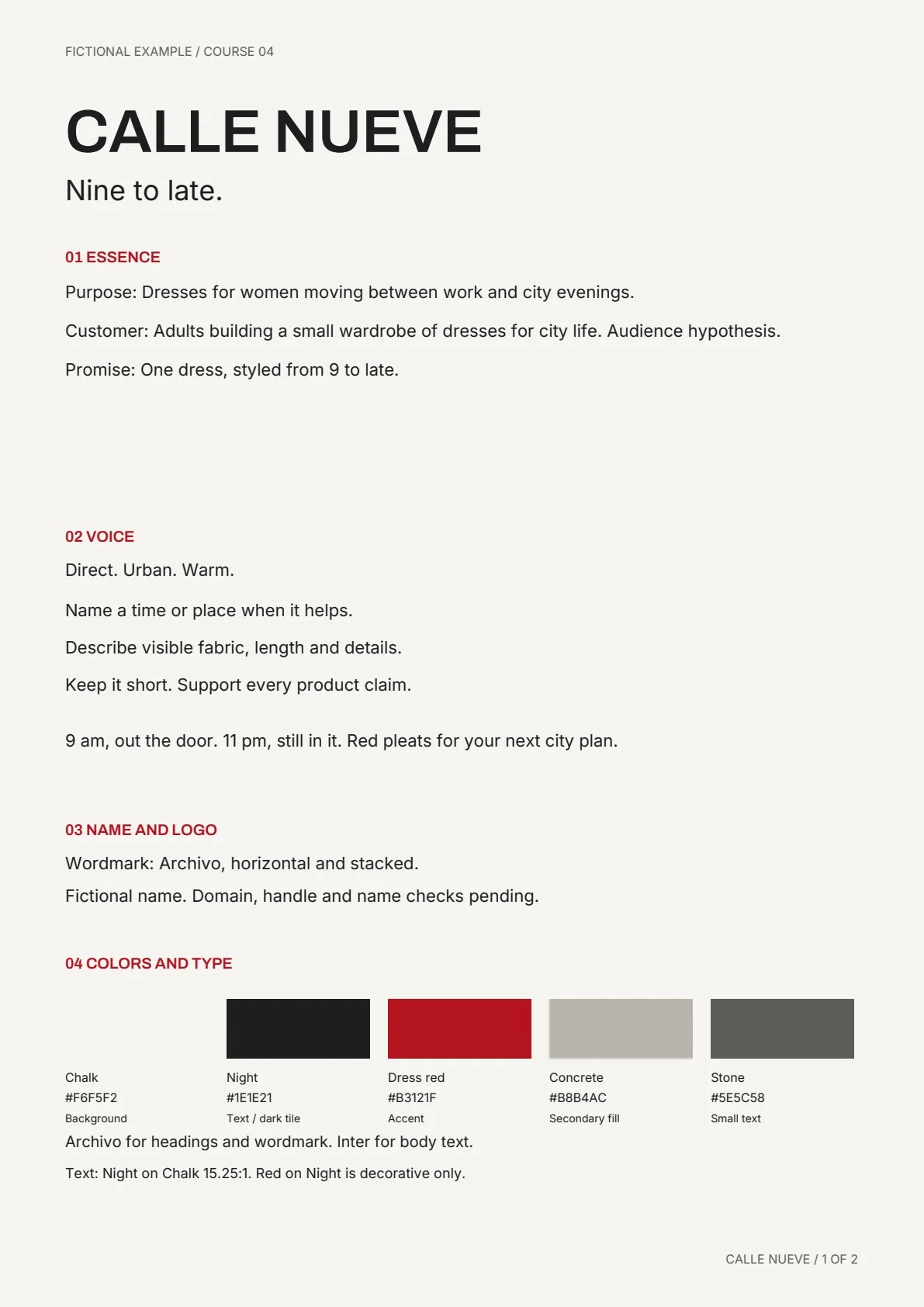
Build an AI fashion brand identity you can actually use
Build a practical fashion brand identity with AI: positioning, colors, typography, photo direction and a brand sheet that guides your next collection.
A few things before you start.
Do I need to know how to code?
The lessons guide you through a conversational workflow. The setup uses Code in Claude Desktop, with clear steps and agents supplied inside the community.
Does this include fashion video?
Yes. Create Your Campaign includes optional lessons for turning a selected image into a short fashion clip, directing the motion and checking the result.
What do I get inside the community?
Eight courses, lesson videos, specialized agents, templates, examples and a community where you can share progress and ask for feedback.
Are the AI tools included in membership?
AI tools and generation can have separate charges. Check each provider’s current plan. Your agent should show the model, number of outputs and estimated cost before you approve generation.
Will AI keep my garment exactly the same?
AI can change garment details. We teach you to compare the output with real references, mark hidden details as unknown and decide whether to correct, use or discard an attempt.
How do I join?
Open Fashion AI Skool on Skool, review the current membership details and click Join Group. Course access and community participation happen there.
Bring your next campaign to life.
Learn the workflow, install your specialized agents and start with the clothes you want to show.
See current membership and access details on Skool. AI tools and generation may have separate charges.