
Build your studio.
Then build your campaign.
A practical learning path for your brand, photos and videos. The first mission is meeting the community. The first fashion photo comes after setup.
Start Here
Find your way around, meet the community and choose your starting point.
Set Up Your AI Studio
Install Claude Desktop, connect fal and add your specialized agents. A guided, one-time setup.
Your First AI Fashion Photo
Start with a real garment, make an on-model photo and learn to check and correct it.
Build Your Brand Identity
Create a usable brand sheet, color palette, typography and photo direction.
Create Your Collection
Build your collection story, line plan, garment cards and looks.
Create Your Model
Choose a synthetic adult model and test an anchor for consistent identity.
Style Your Model
Dress your model, compare visible details and refine one change at a time.
Create Your Campaign
Plan your scenes, make posts and add short fashion videos with the optional motion lessons.
Learn by making something you can review.
Each course starts with a mission, explains the steps and finishes with an output you can check. Quotes are labeled so you know where to paste a prompt or how to use an example.
Work at your own pace. Pause the lesson, try the action and keep a record of what worked.
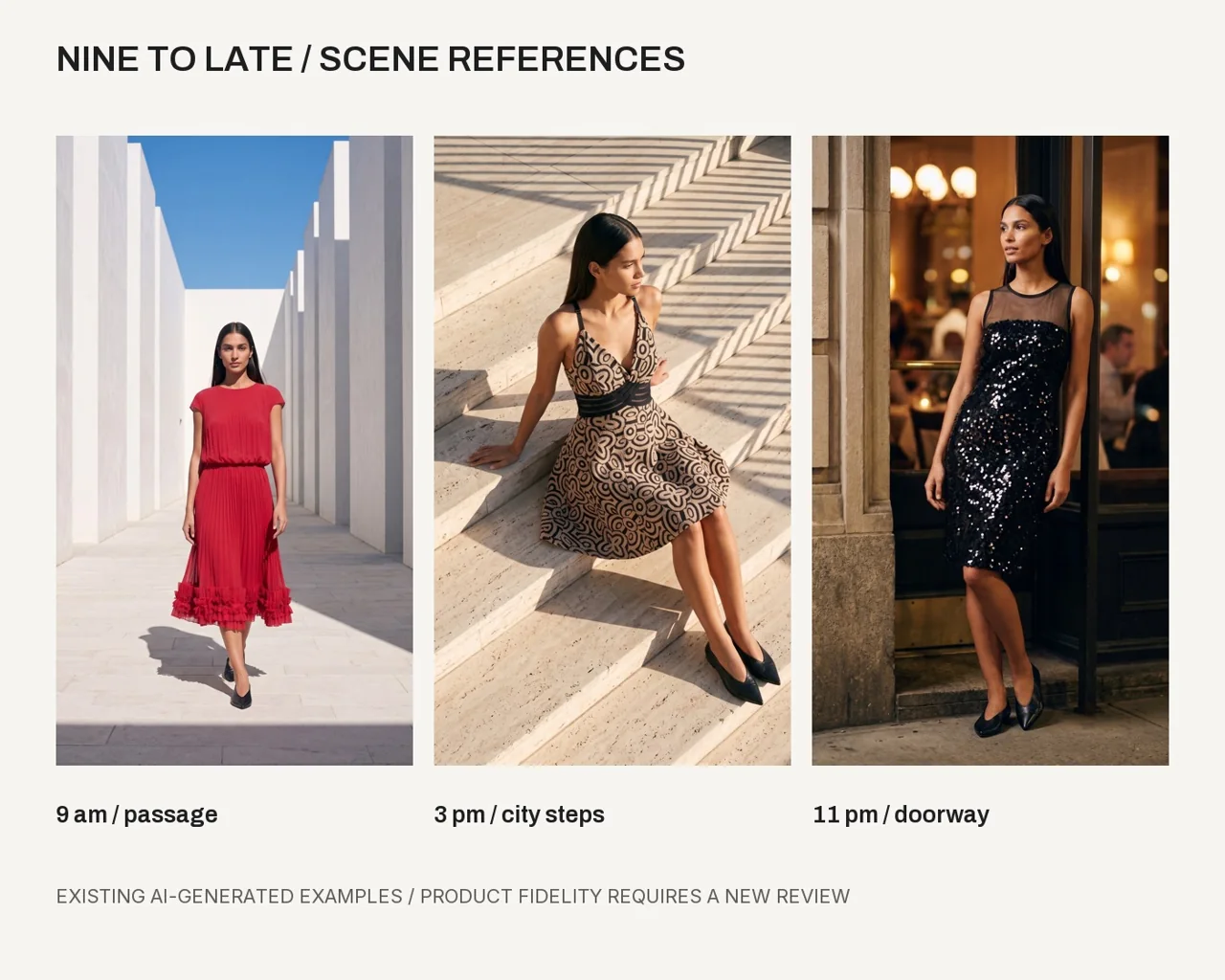
Bring your next campaign to life.
Learn the workflow, install your specialized agents and start with the clothes you want to show.
See current membership and access details on Skool. AI tools and generation may have separate charges.