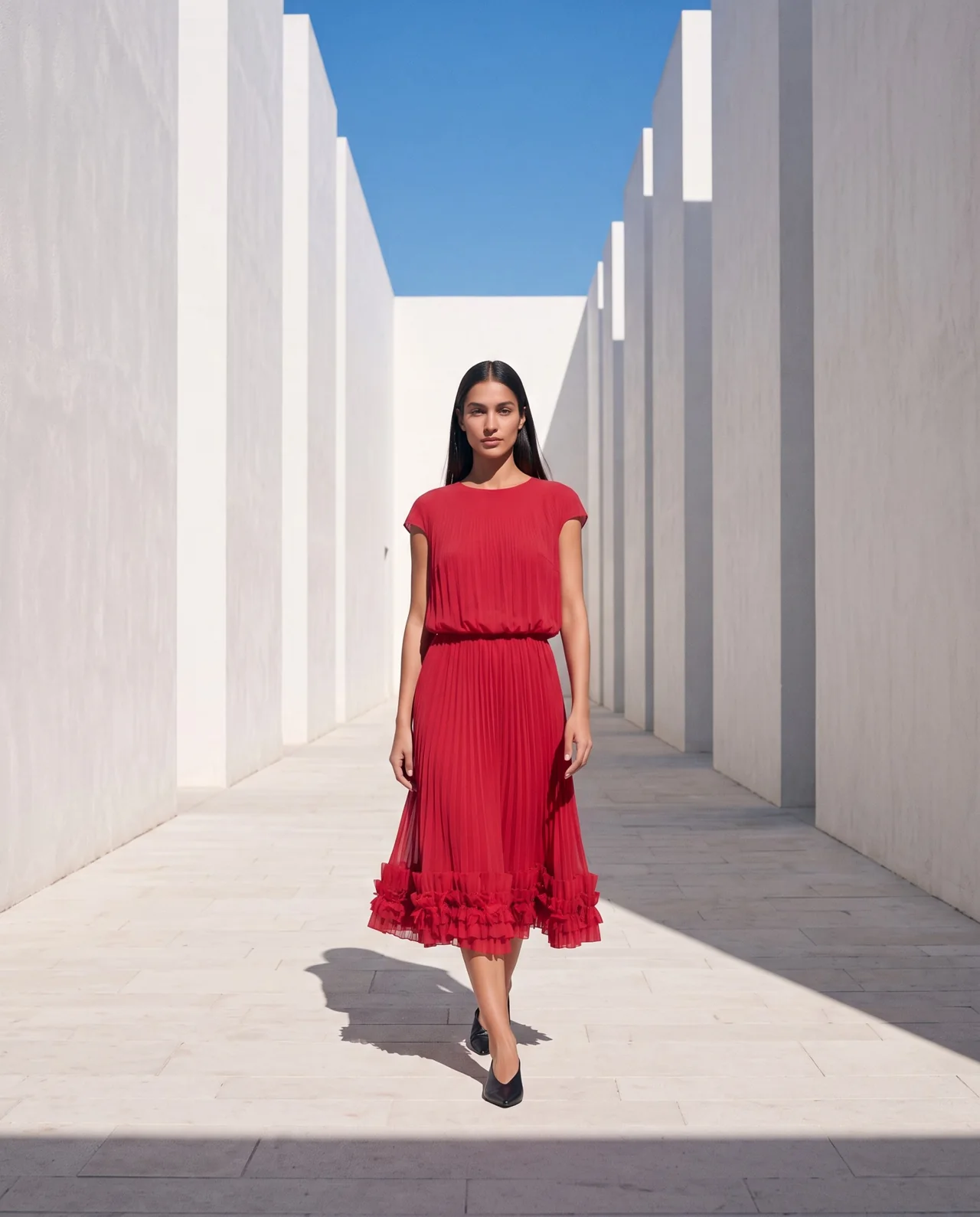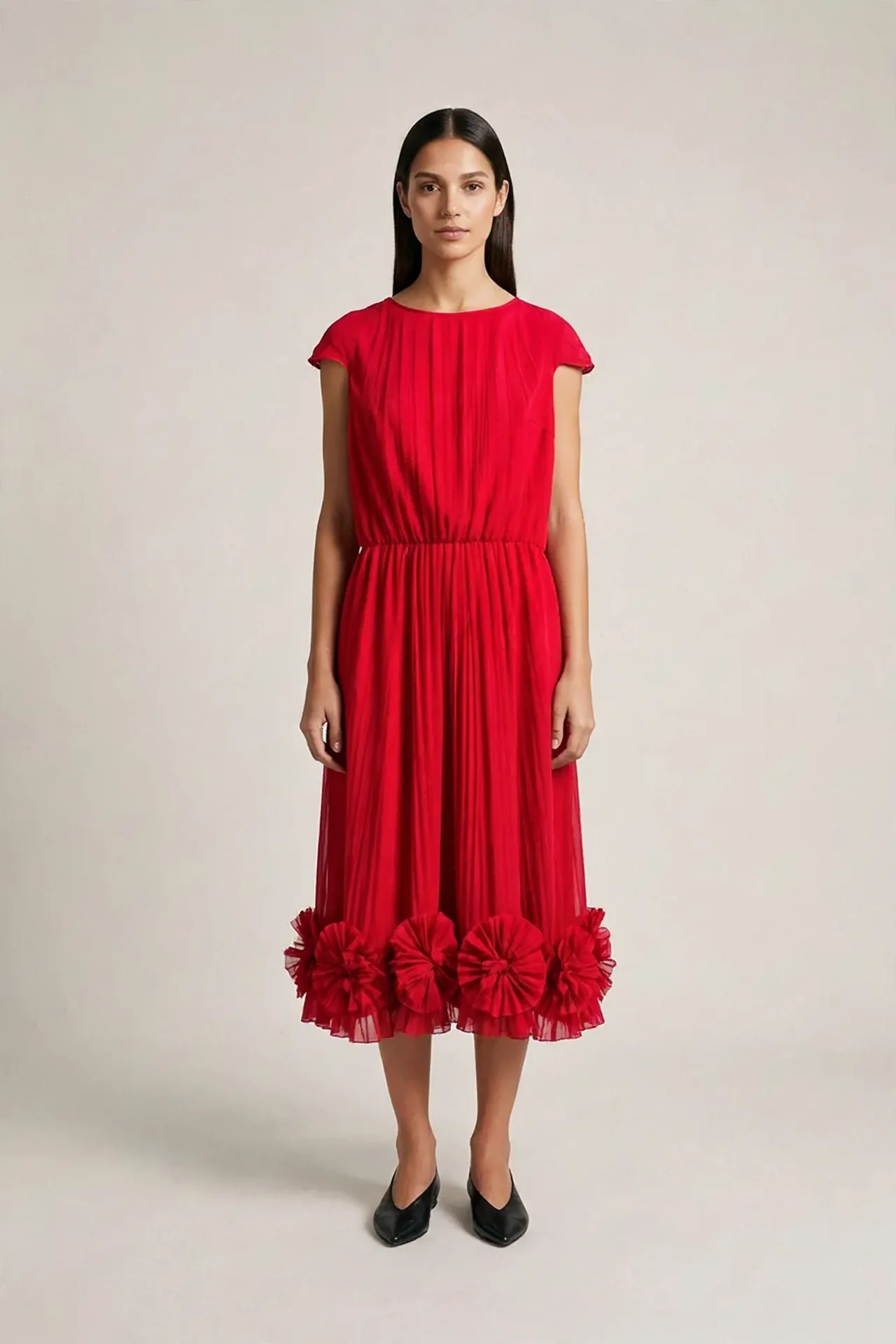
Start with a reference you can actually inspect
Choose one garment for your first attempt. Photograph the full front in even light, then add the back and close-ups of small details. Keep the originals. A cropped hem or unclear fastening leaves the generator to fill in information you have not supplied.
Our first-photo lesson uses a raspberry-red pleated dress. Its real photograph shows the back. That is useful evidence for visible pleats and decoration, but it cannot confirm the front neckline or front construction. Ask the tool to identify these gaps before generation.
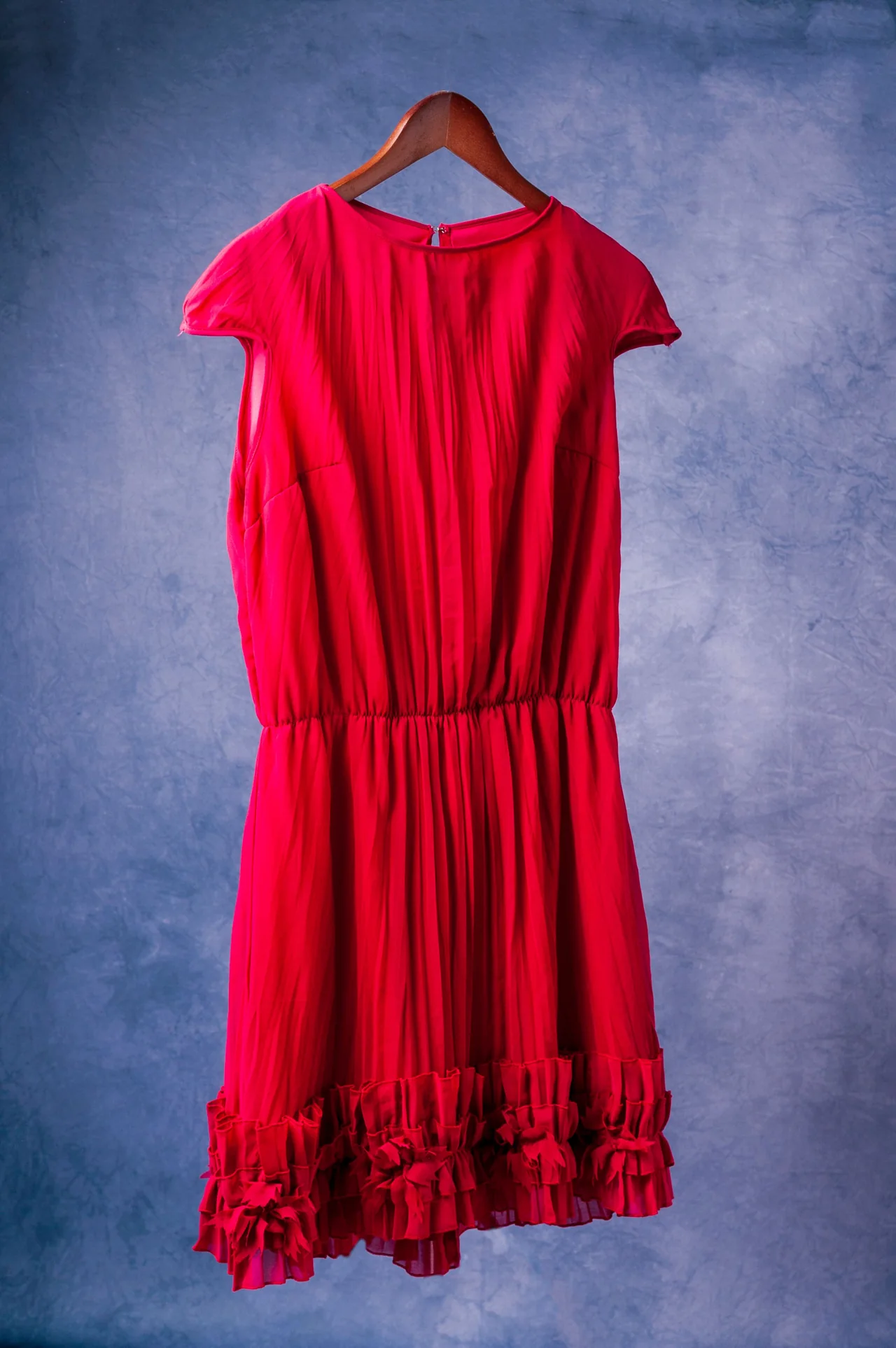
Write a shot brief before choosing the tool
A useful brief states the garment, model, purpose, framing, setting, light and details that must remain visible. For a first product image, ask for a full-body frame and a simple pose. A clean background makes comparison easier than a busy location.
Separate confirmed details from creative decisions. You can choose a location and mood. Fabric composition, real measurements and hidden trims need evidence. Save the approved brief so the next attempt has the same starting point.
- Purpose: a first on-model photo for review.
- Garment: identify the actual source files and visible features.
- Model: use an adult synthetic reference with permission to use it.
- Frame: the full garment, sleeves and hem remain visible.
- Review: record uncertain details before approving the result.
Generate one image with a clear cost limit
In our taught route, specialized agents work in Code inside Claude Desktop and use fal for generation. An image app that accepts your references can be another route. The brief and review still matter with either option.
Ask for the current model, output count and estimated cost. Approve one attempt, then inspect it before requesting a batch. A correction is another generation and may add cost. Existing app subscriptions have their own limits.
Help me prepare my first AI fashion photo from these garment and adult model references. First list confirmed garment details and anything unknown. Ask me to confirm length and sleeves in words. Propose a simple full-body shot brief with the entire hem visible. Show the model, output count and estimated cost before generating anything. Wait for my approval.
Review the garment and the person separately
Compare length, sleeves, neckline and collar, closures and details, fit and waist, and color and print with the real reference. Compare the face with the model anchor. Record pass, fail, unknown or n/a for each point.
An attractive image can still have a wrong hem, a different sleeve or an invented closure. Unknown is the correct status for a detail you cannot see. A passed face check does not settle a garment problem.
Make one focused correction
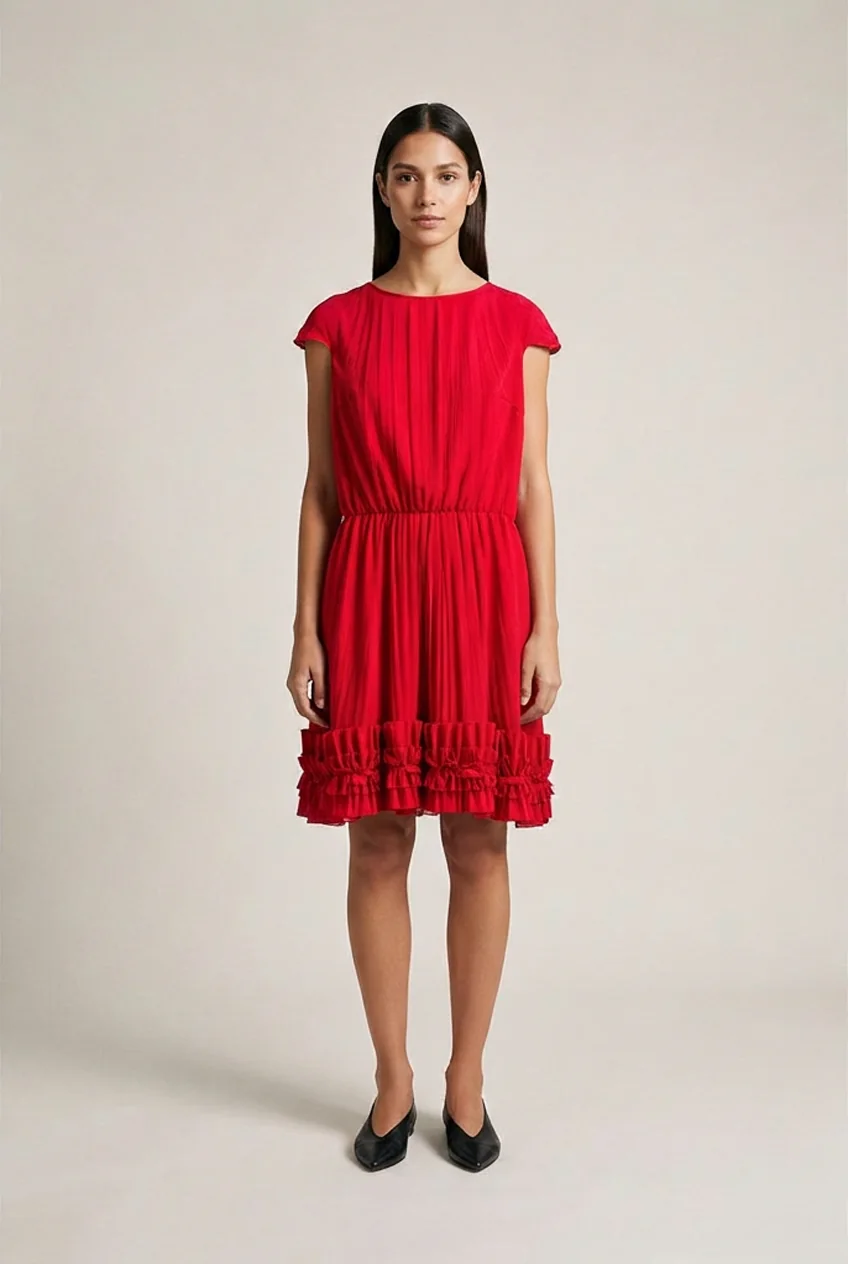
Our lesson retains the first and later generated attempts so you can compare what changed. State the visible error and the reference that supports it. Keep the same brief where possible and ask for one correction.
For a real product, confirm the intended length in words or with measurements. The same hem position in two photos is not a measurement when the pose and perspective differ. Check the entire new image again after the correction.
Save a small production record
Keep the original garment photos, model anchor, brief, generated attempts, selected output and review together. Save the prompt and tool settings with each attempt. This lets you identify what changed when you return to the project.
Once the first photo is checked, use the same approved references to plan other views, a lookbook or a short motion test. Give each new output its own review. Consistency becomes a practical record you can maintain, rather than an assumption about the tool.
Questions before you start
Can I start with a hanger photo?
Yes. A clear hanger photo can supply garment evidence. Add front, back and close-up views when the output depends on details one photograph does not show.
Can an AI photo replace all product references?
Keep the real references. A generated photo needs review and cannot establish an unseen detail or an actual measurement.
Examples and sources
Adapted from Your First AI Fashion Photo, including the actual red-dress reference and retained first and later attempts.
Written by Fashion AI Skool using its course materials and practice records. Updated October 20, 2026. Generated examples demonstrate a process; they do not certify unseen product details.