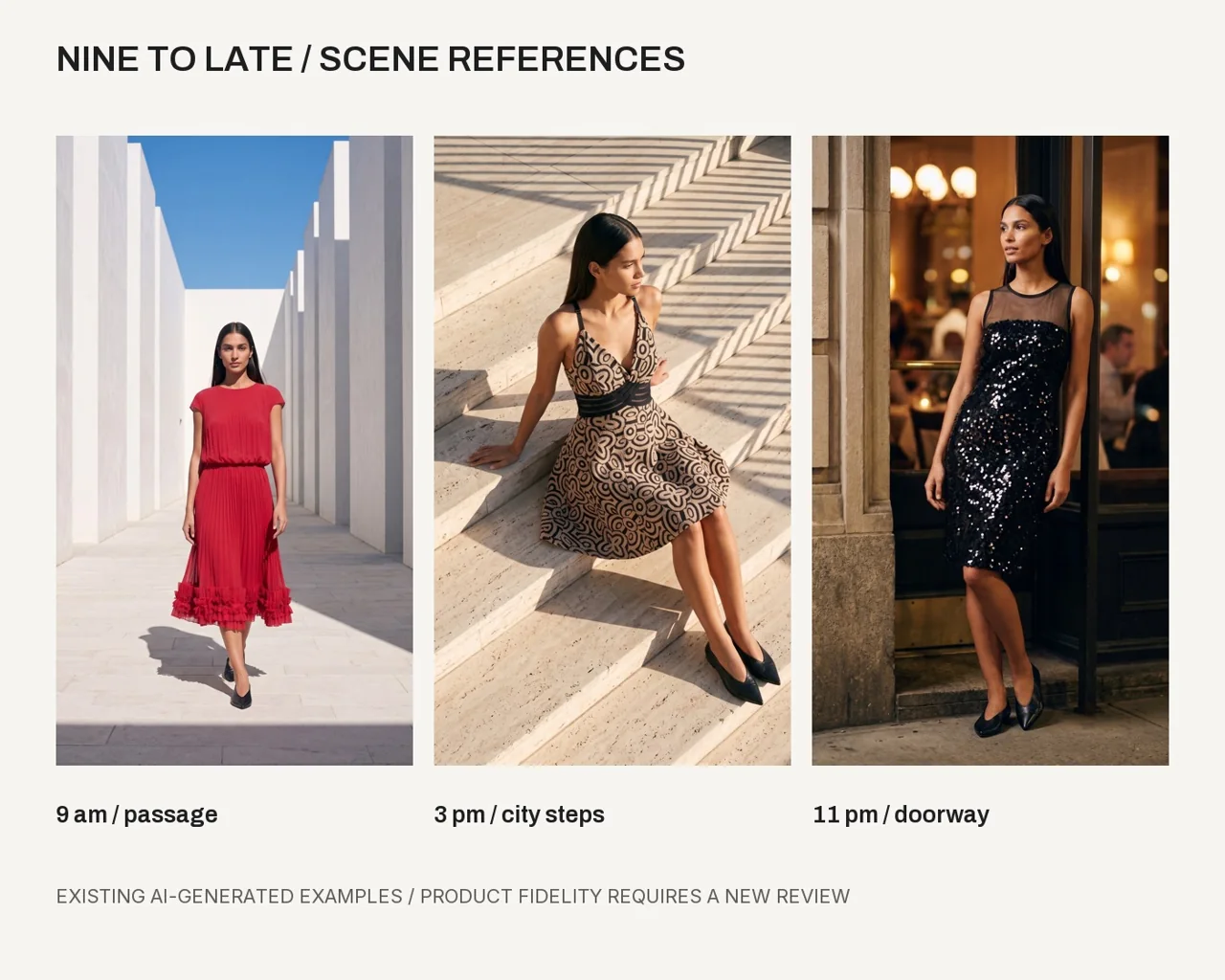
Choose the job of each image
A product page needs images that help a customer understand the piece. Write down the questions your photos should answer: overall shape, length, sleeves, color, texture, front and back details. A lifestyle image serves a different role from a close-up.
Start with a three-shot plan: a complete front view, a complete back view and a detail view. Add an editorial image only after you have evidence for the basic product information. This avoids building a beautiful set that leaves the main product questions unanswered.
Prepare the garment evidence
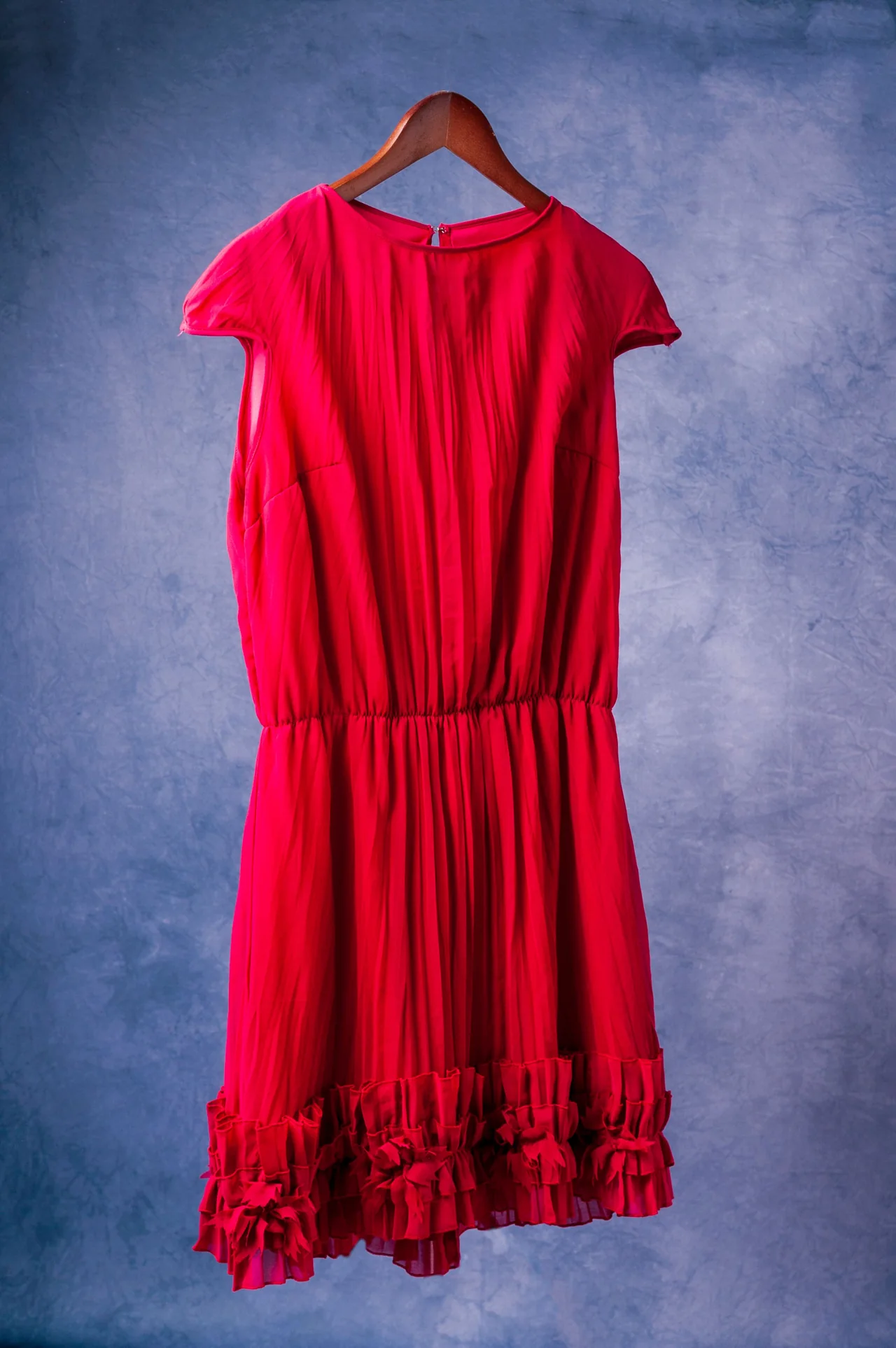
Use even light, a neutral background and a straight view. Include both sleeve edges and the complete hem. Photograph important fastenings and decorations close enough to see them. Keep exposure and color reasonably consistent across the source set.
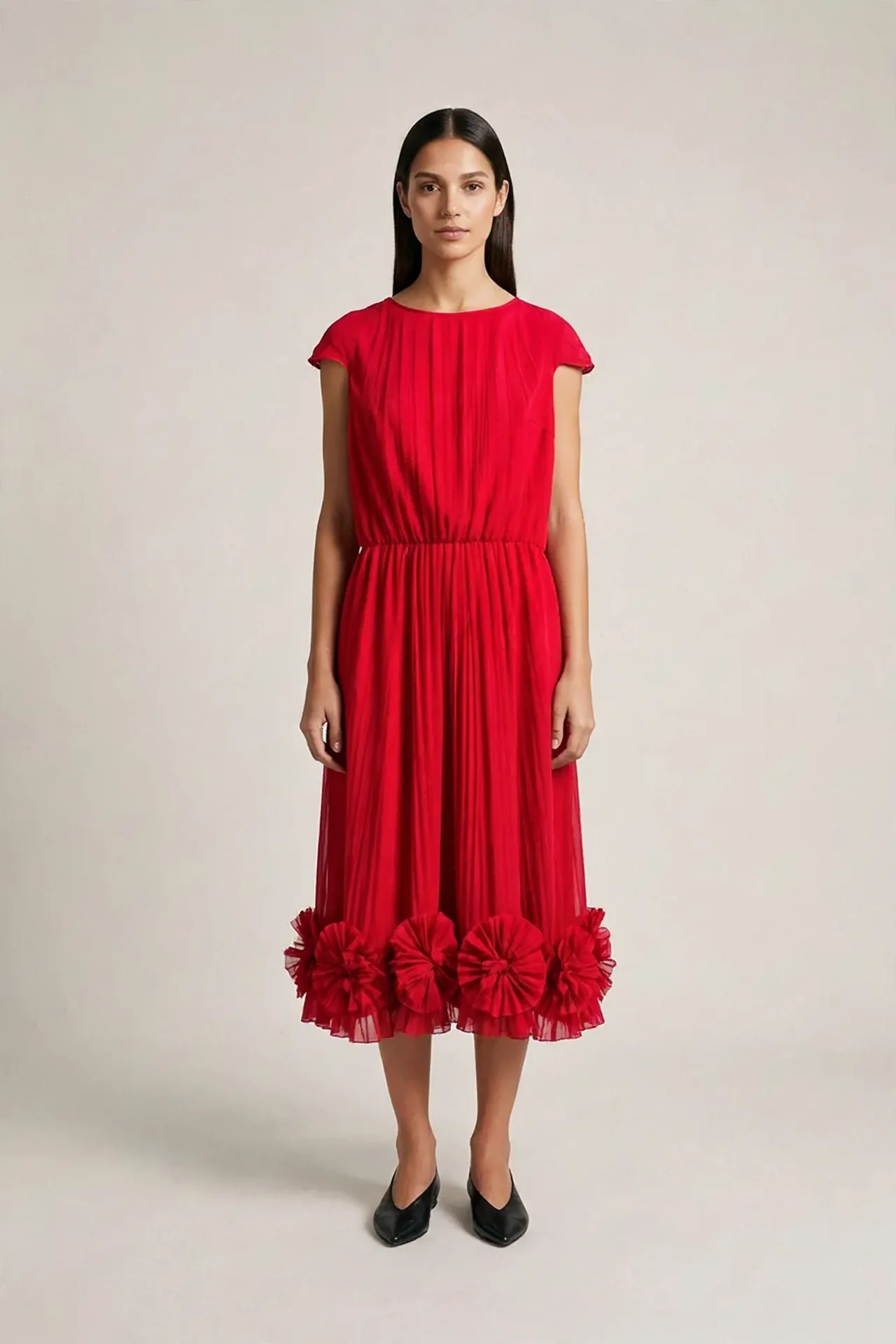
Our practice dress has a decorative hem and a pleated appearance. The reference shows the back, so a front result still needs front evidence. The same rule applies to a print placement hidden by a fold or a fastening hidden by hair.
- Save front and back originals under the same product ID.
- Add detail photos for closures, trims, labels or print placement.
- Record real measurements separately from visual estimates.
- Mark composition and hidden construction as unknown unless confirmed.
Use a simple first composition
A full garment view with a calm pose is easier to inspect. Ask the model to keep arms clear of important details. Give the garment enough space in the frame so the hem is visible and the output can be cropped for the intended page.
Keep product text out of the generated scene. Add your real copy later in an editable layout if needed. Do not ask the generator to invent a brand label or a product claim.
Plan a first on-model listing photo for product [ID] using these real garment references. Keep the full garment visible and use a simple adult model pose. Identify missing front, back or detail evidence. Give me a shot brief and a list of the product features I must compare after generation. Do not invent composition, measurements or closures.
Review the listing image against the original
Inspect length, sleeve shape, neckline, closures, waist, print and color. Review the face and body for visible errors too. Use pass, fail, unknown and n/a. Add a note explaining why a point has that status.
If the source fabric is partly translucent or reflective, look carefully at generated opacity and highlights. A change that makes the dress look like another fabric can alter the product impression even if its color appears close.
Build a listing set with stable IDs
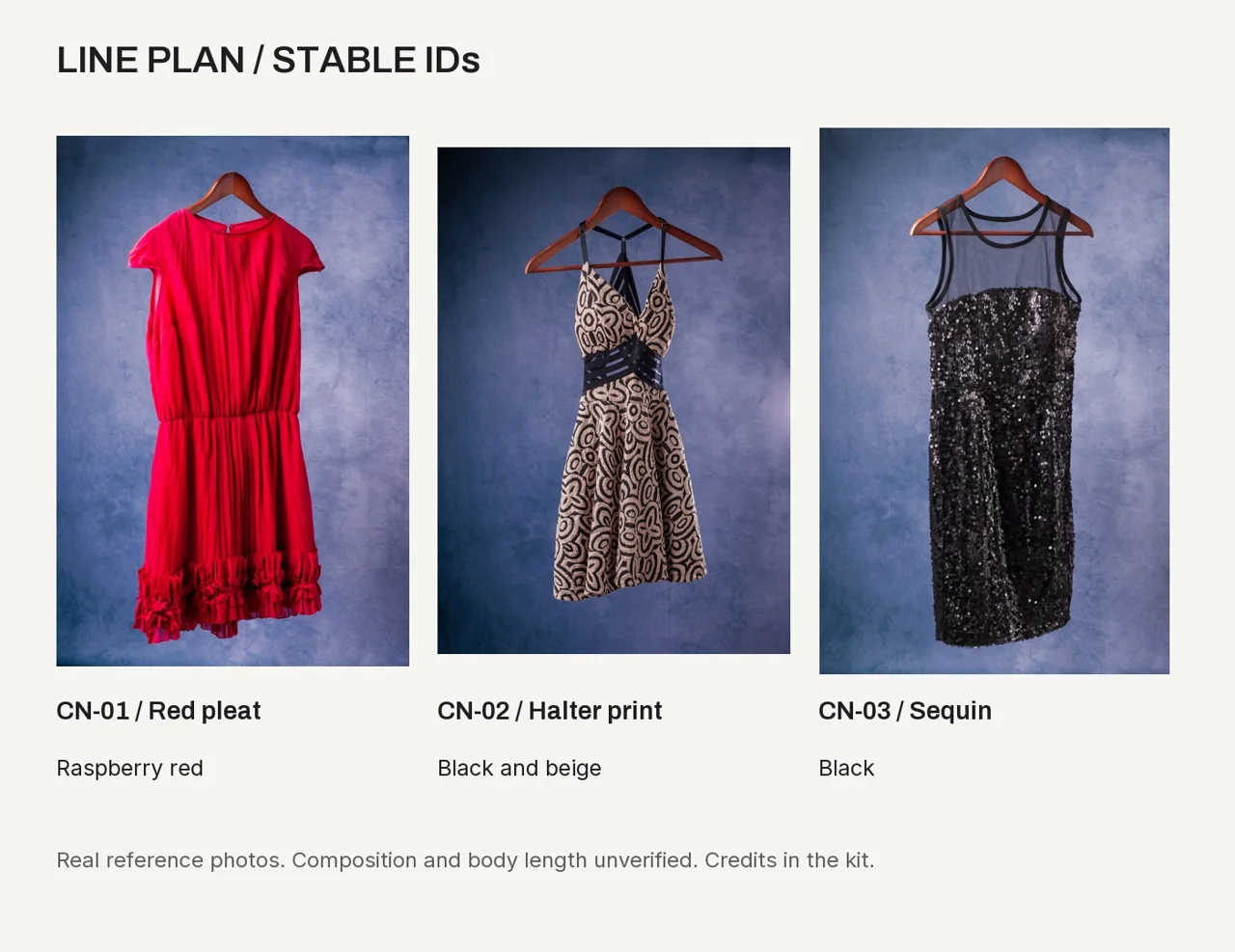
Use one product ID across references, outputs and notes. The course collection example uses CN-01, CN-02 and CN-03 for three actual reference pieces. Stable IDs keep a renamed product connected to its evidence.
Before making multiple sizes or crops, choose the image you have reviewed. Keep the complete original and check every exported crop for missing hems, heads, hands or details. Actual pixel dimensions and the destination requirements matter more than the name of an export preset.
Know when to take another real photo
Another reference may resolve uncertainty faster than another generation. If the front neckline, back detail or true length is unknown, photograph it. Keep the new source with the existing record.
For a product listing, select results supported by the actual item and suitable for the intended use. A successful creative study may still be an illustrative image. Label practice examples clearly when sharing them for feedback.
Questions before you start
Should every output use the same background?
A consistent background can help a listing set feel coherent. Choose it in the shot brief and review each result for unexpected changes.
Can I infer fabric composition from the image?
A photo can show an apparent texture. Confirm composition from the actual garment or reliable product information.
Examples and sources
Adapted from the source-photo, garment-card and review lessons in courses 3, 5 and 7.
Written by Fashion AI Skool using its course materials and practice records. Updated October 20, 2026. Generated examples demonstrate a process; they do not certify unseen product details.