Decide what the lookbook needs to explain
A lookbook helps someone understand a collection as a set. Choose the audience and use: a buyer presentation, a brand story or an online collection preview. This determines how much product information and visual variety the sequence needs.
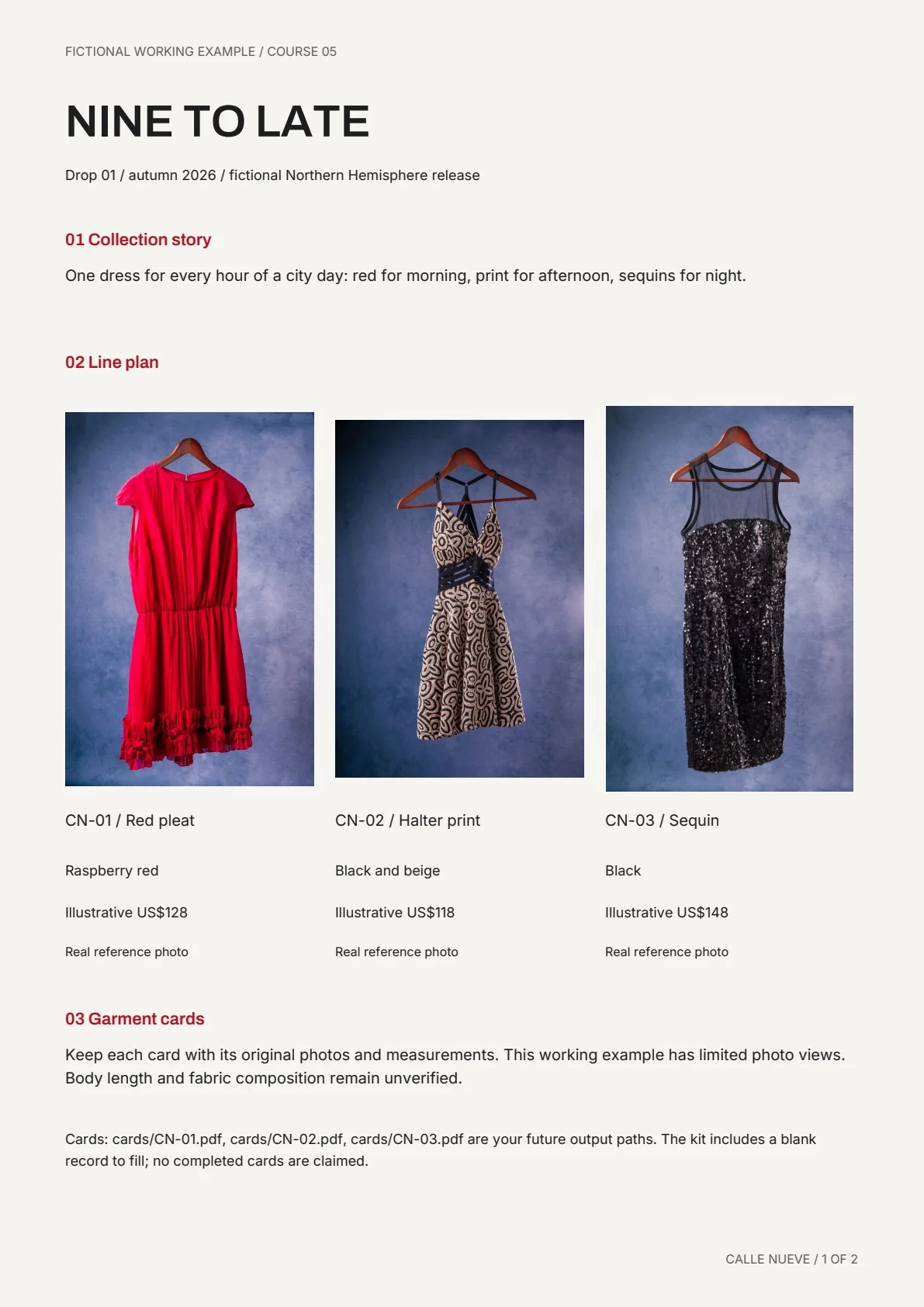
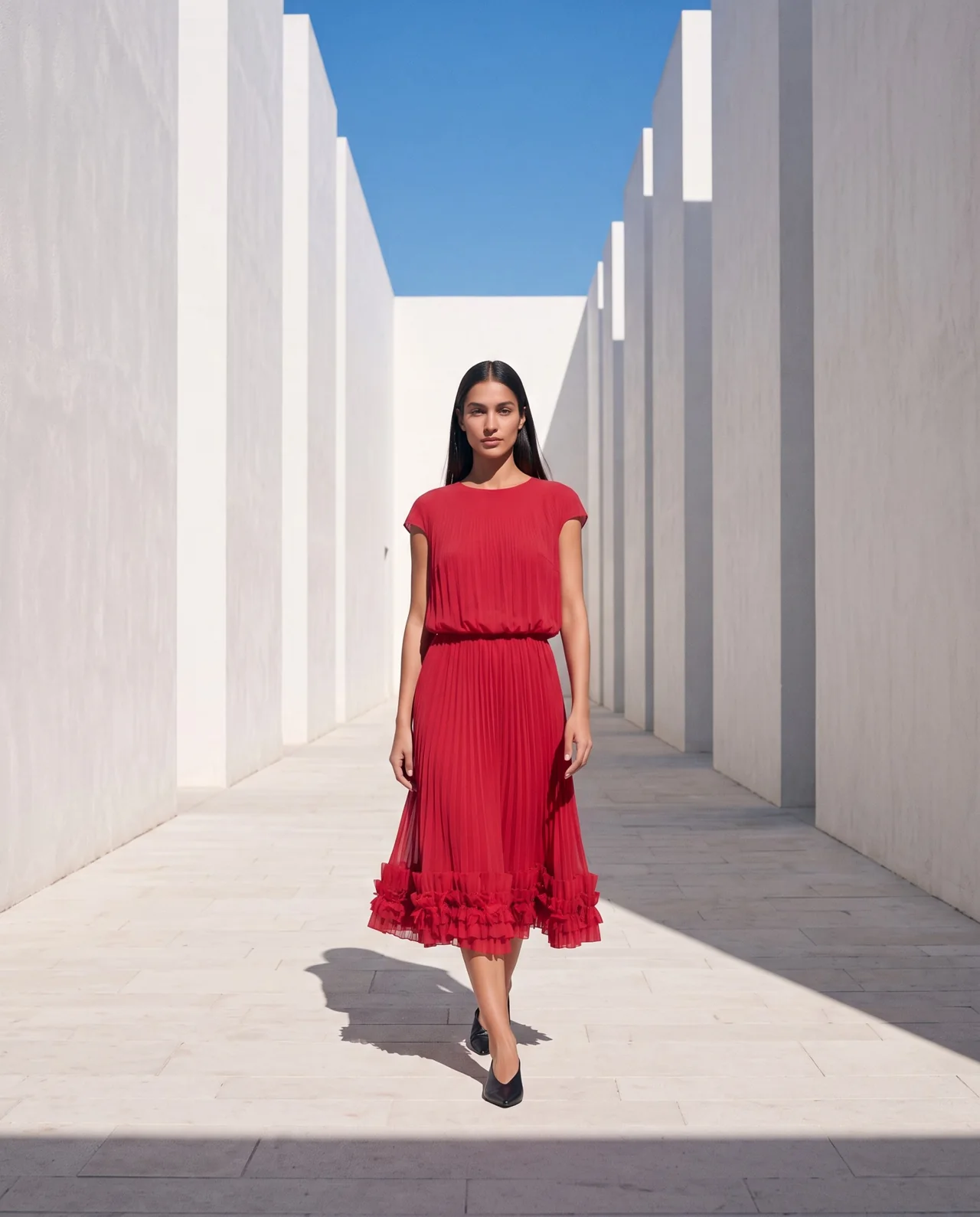
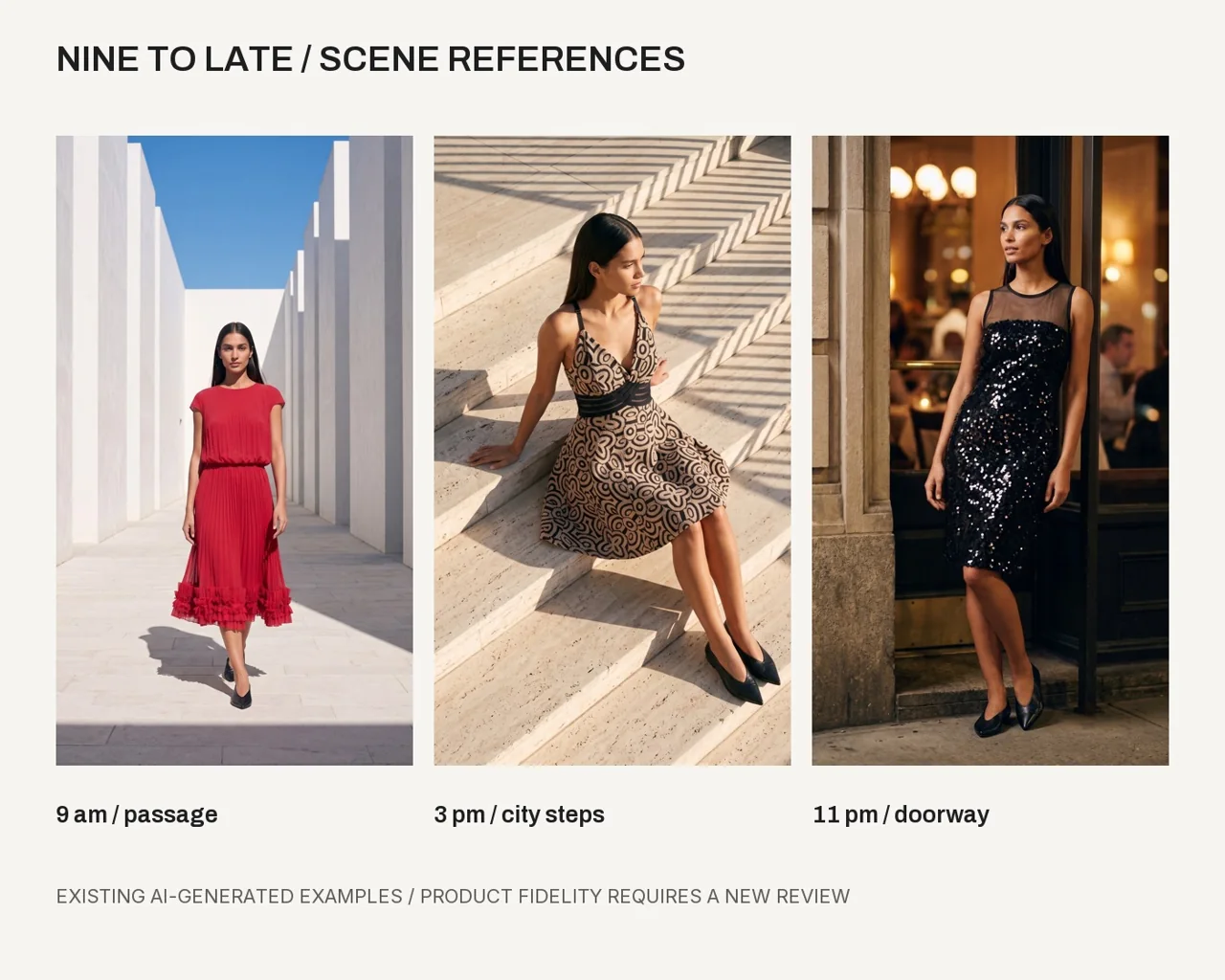
Write a short collection story first. Nine to Late, our teaching example, moves through morning, afternoon and evening moments. The time progression gives the images a reason to appear in that order.
Prepare references for each look
Use stable garment IDs, the approved model anchor and the current brand file. A look can include more than one piece, so state which references control each item. Keep product evidence available for review.
Make a source checklist for every planned view. A close-up needs detail evidence. A front view needs front evidence. A source image that suits one shot does not automatically cover the next angle.
Write a shot list with roles
Assign a purpose to each frame. You might use an opening scene, a clear full look, a detail and a closing image. Explain the setting, framing and what the viewer should notice.
Keep enough repetition for continuity: one cast, a compatible light direction and a coherent palette. Let the location or pose vary where it helps the story.
- Opening: establish the collection mood.
- Full look: show the complete garment with useful framing.
- Detail: show a real feature supported by a source photo.
- Variation: add a scene that serves the same collection story.
- Closing: leave the viewer with the next action or collection name.
Generate and check one scene at a time
Start with the simplest full look. Approve its garment and identity review before moving into more complex poses. Save the selected result with its scene brief.
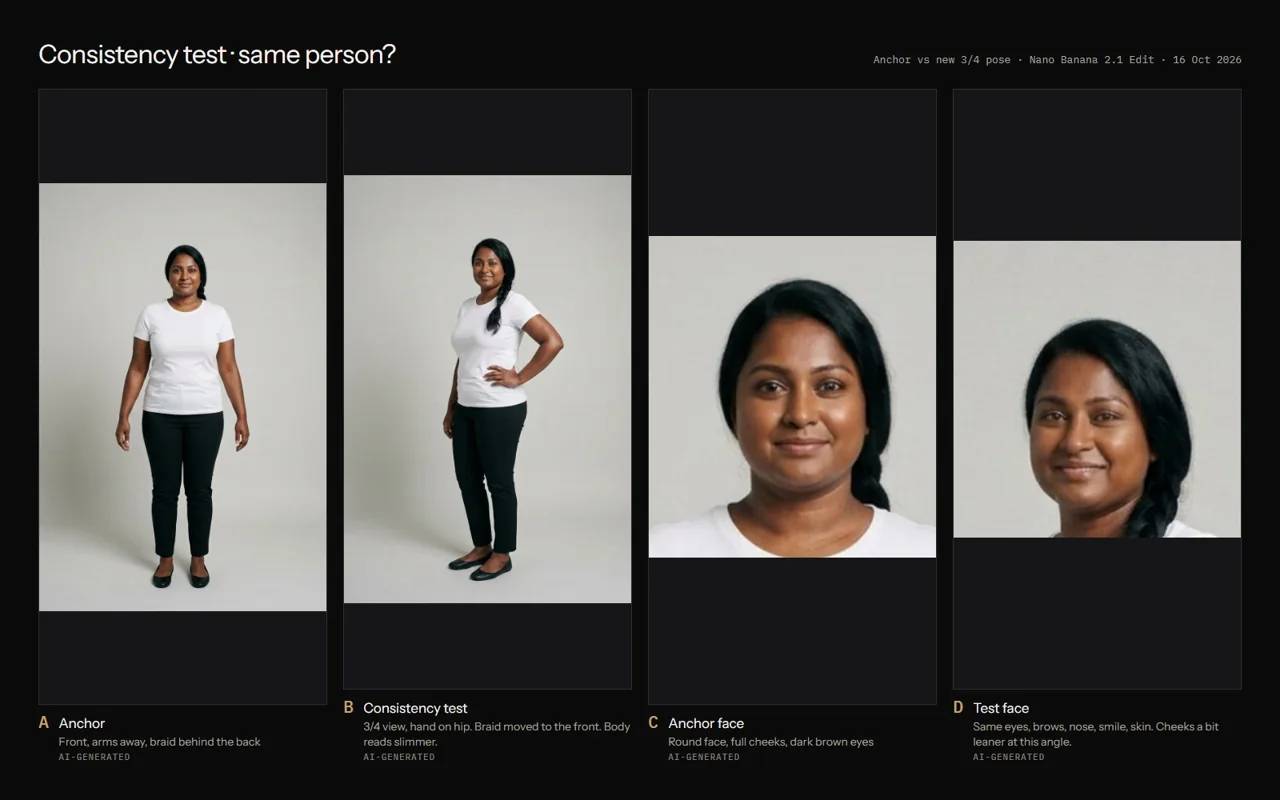
Apply the seven-point fitting check to each output. Review across the set as well: does the person stay recognizable, does the garment color drift, and do the images belong to the same brand?
Plan a short lookbook for [collection] using my approved story, garment cards and model anchor. Give every frame a purpose, garment ID, scene, pose and source-reference requirement. Keep one coherent cast and visual direction. Start with one test image, list the checks and show the estimated cost before generation.
Lay out the selected sequence
Keep titles, product names and descriptions editable in a layout tool. Use the real type and color choices in your brand file. Allow enough space around the image for clear reading.
Review the layout at the size it will be seen. A mobile preview and a PDF presentation can need different crops and type sizes. Keep an uncropped master for each selected image.
Add motion where it helps the story
A selected lookbook frame can become a short motion test. Choose one action and make sure the scene has room for it. Keep the original still and review the whole clip for garment, identity and background changes.
A short video can complement the sequence without requiring every look to move. Use the format that best shows the collection and keep a record of which outputs are checked.
Questions before you start
How many images should a first lookbook have?
Start with the frames needed to explain your collection clearly. A small checked sequence is easier to manage than a large unreviewed batch.
Can I keep the same model across different locations?
Use the same approved anchor, change scenes gradually and review identity and garment details in each result.
Examples and sources
Adapted from Create Your Collection, Style Your Model and the scene-reference boards in Create Your Campaign.
- See the Fashion AI Skool learning path
- Practice garment photographs: Marcelo Verfe on Pexels
- Halter reference photograph
- Sequin reference photograph
Written by Fashion AI Skool using its course materials and practice records. Updated October 20, 2026. Generated examples demonstrate a process; they do not certify unseen product details.