Give the campaign one clear job
Choose the collection or product you want to show and the action you want a viewer to take. A campaign for a launch needs a different sequence from a product detail page. Write the message before making a batch of scenes.
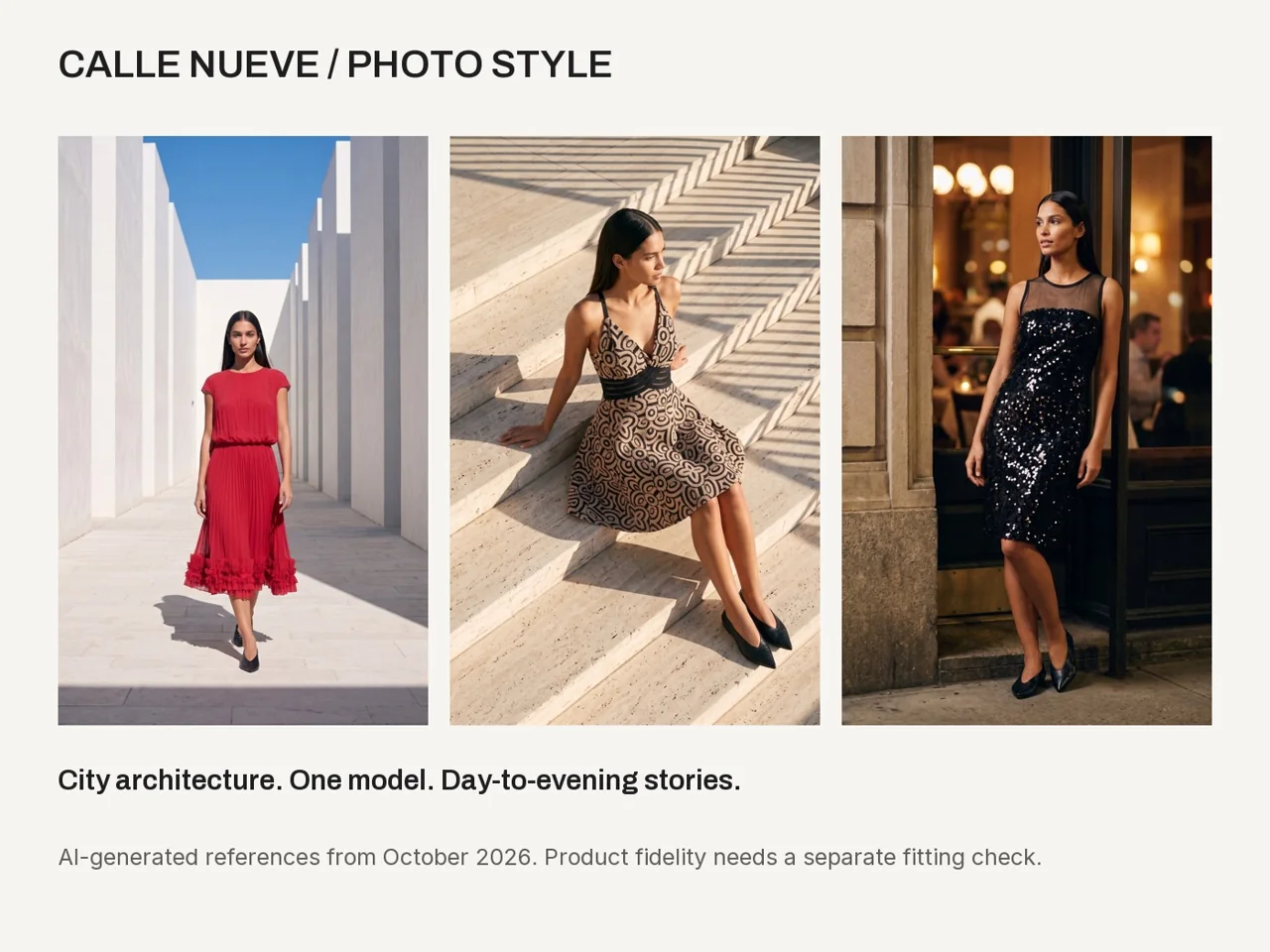
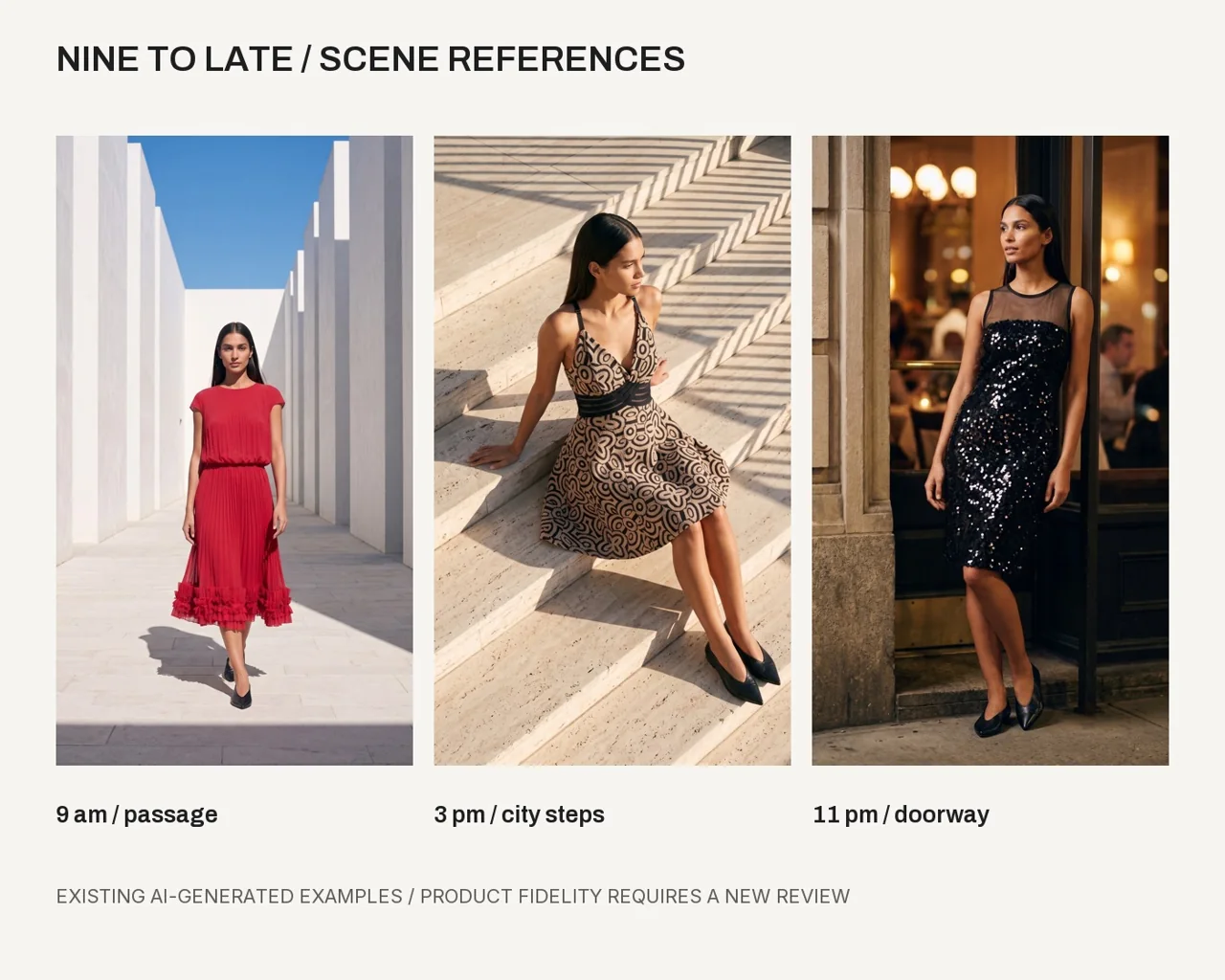
Use the approved brand direction and collection story. In our teaching example, a city-day-to-evening idea links the red dress, printed halter and black sequin piece. The scenes are creative studies for a fictional brand.
Plan scenes with space for the pose
Describe the place, time, framing and model action in each scene. If you want a forward walk, the setting needs visible depth and room behind the model. A tight doorway may suit a pause or a small pose change.
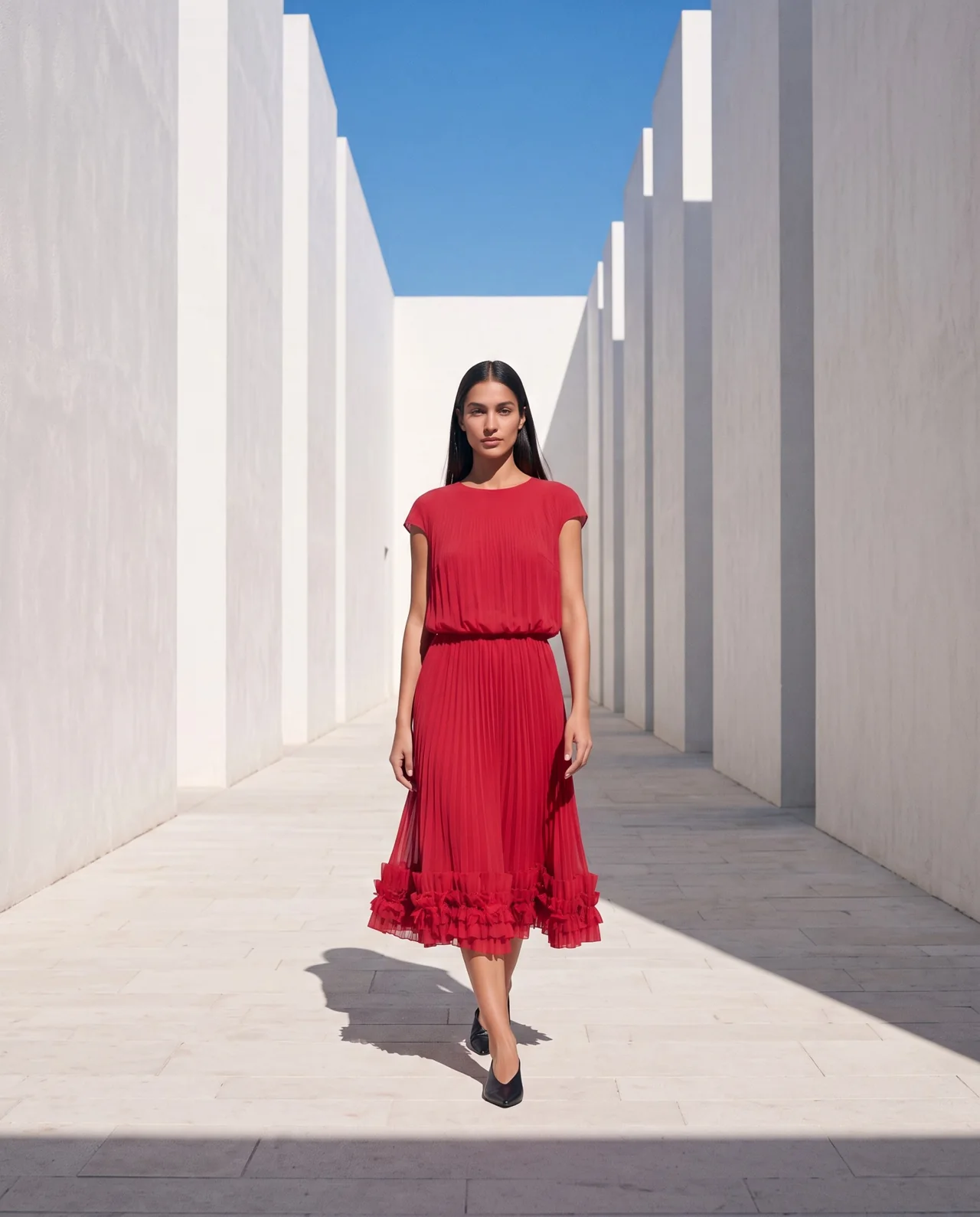
The course passage example was revised to give the walking model room. This is a practical reason to direct space explicitly rather than relying on the word “editorial”.
Choose formats before cropping
Decide where the work will appear: catalog, feed, story, reel or a presentation. Record actual dimensions and what must remain in frame. Keep important clothing details clear of text and overlays.
Start with a complete master image, then prepare the required crops. Check the hem, hands, shoes and face in every export. A crop can make an otherwise useful image unsuitable for its job.
Make one checked image before expanding
Use the real garment sources and approved model anchor. Ask for the current estimate, approve one generation and review the output. Keep the failed attempts if they explain a later correction.
Separate visual style from product fidelity. A scene can capture the campaign mood while still changing a neckline, fabric or hem. Keep those review decisions visible.
Plan a small campaign for [collection and goal]. Use my brand file, garment references and approved model anchor. Propose a message, three scene roles and the formats needed. For each scene, state the pose, space, light and visible garment details. Start with one test, show the estimate and wait for my approval.
Turn selected scenes into posts and motion tests
Add editable brand text after choosing the image. Keep the message short and legible at phone size. Preserve the real product name and any verified information.
For a first video, start from a selected frame and request one restrained action. Review identity, garment and motion across the whole clip. A generated walk is a new output that needs a new decision.
AI-generated motion practice example, silent. Review the full clip and compare with your references before deciding how to use a result.
Save a campaign kit that is easy to reuse
Keep the message, shot list, source references, selected images, editable posts, video originals, exports and checks together. Save prompts and settings with each attempt. Record estimated spend separately from confirmed charges.
The resulting kit gives you a starting point for the next launch. Update the collection and message, then choose which approved brand and model decisions still apply. External publication stays a separate choice.
Questions before you start
Do I need to make video for every scene?
No. Choose motion where it serves the campaign. A checked photo can be the right format for a product or a post.
Will this automatically publish my campaign?
The course workflow prepares assets and a campaign kit. Publishing and scheduling remain separate decisions.
Examples and sources
Adapted from Create Your Campaign, its revised passage scene, format guide and optional video lessons.
Written by Fashion AI Skool using its course materials and practice records. Updated October 20, 2026. Generated examples demonstrate a process; they do not certify unseen product details.