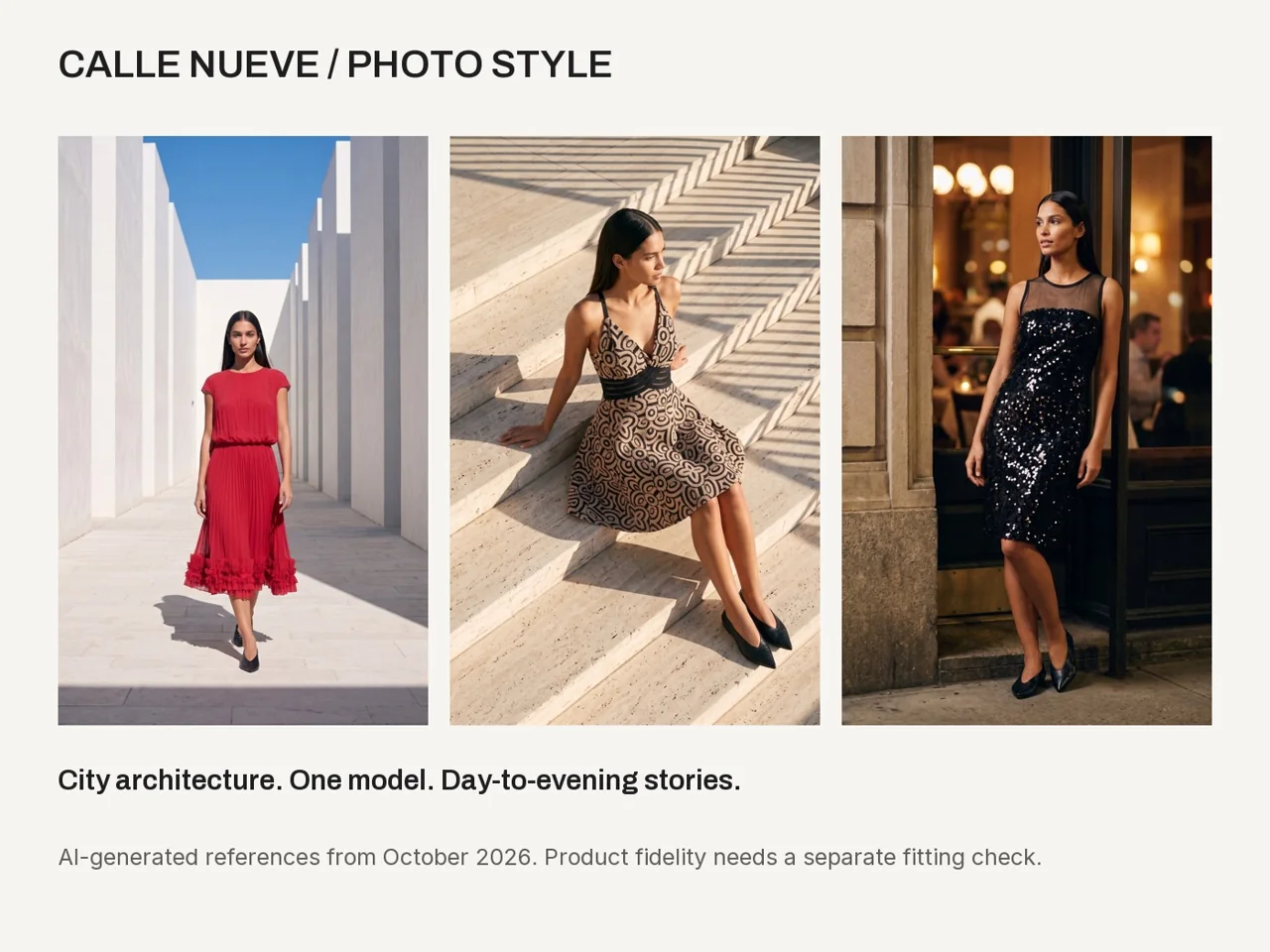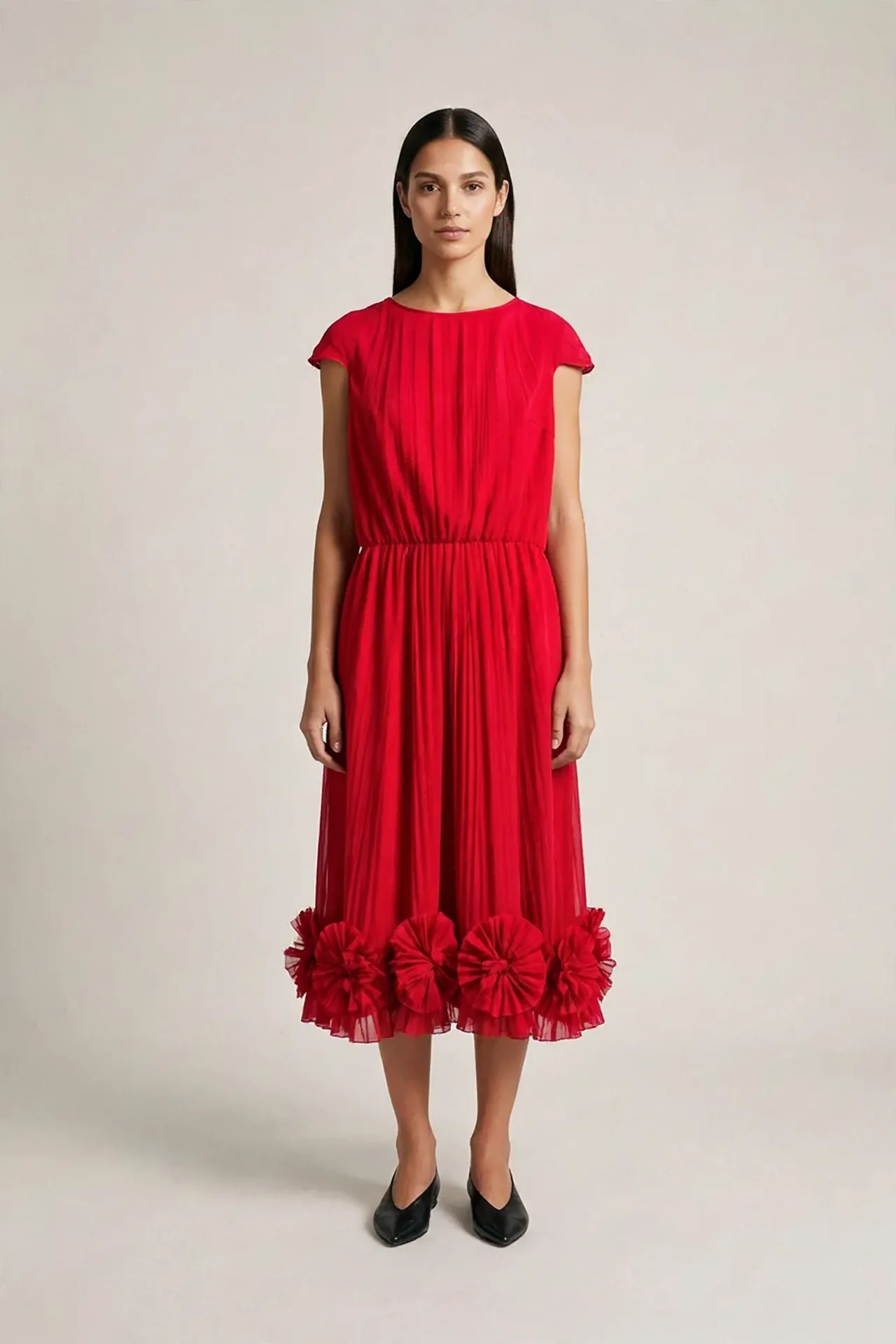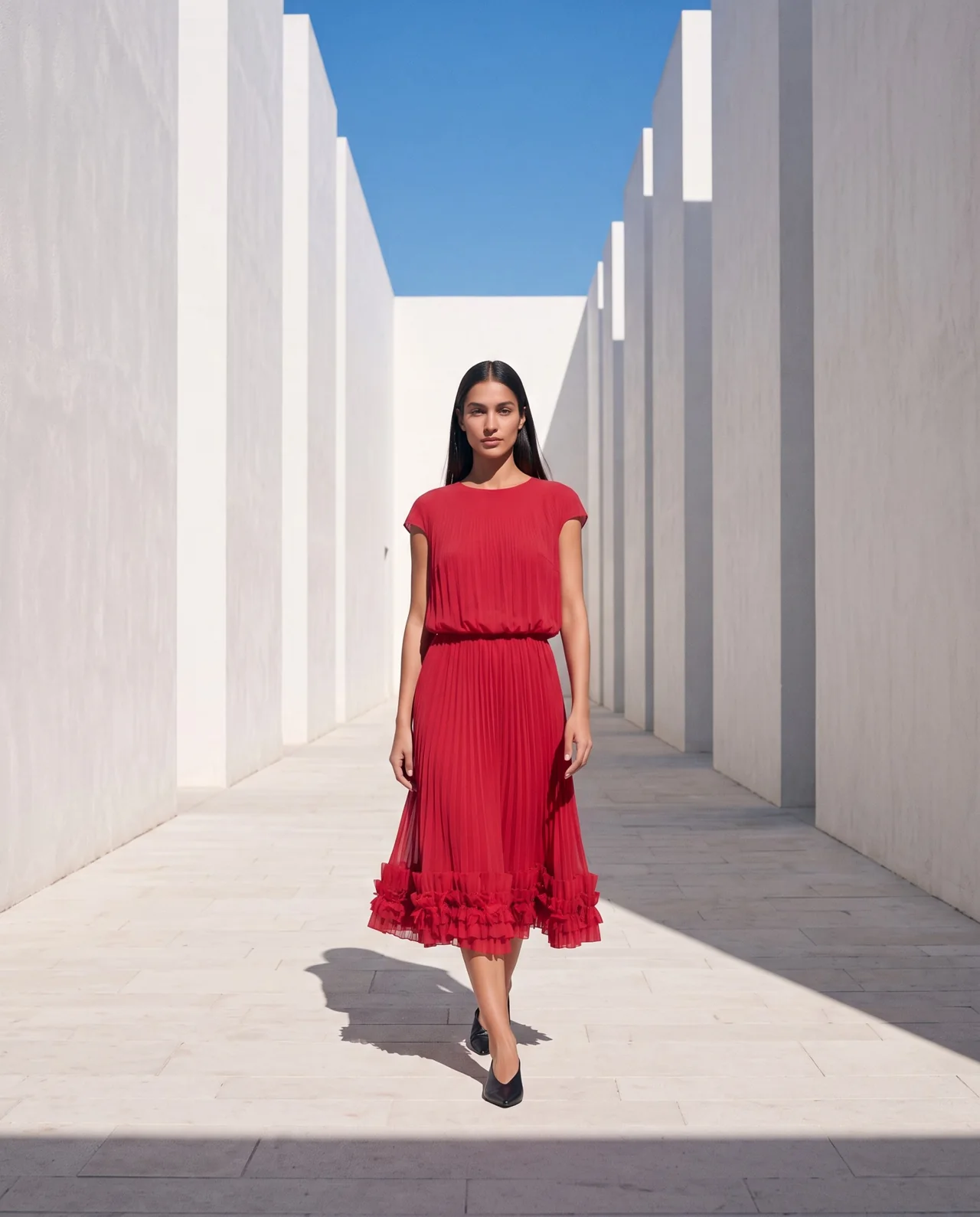
Use a prompt that matches the starting image
Look at the available space, pose and framing before describing motion. If the model starts near the edge, a large walk may leave the frame. If the source hides the shoes, a full-body movement needs information the image does not provide.
The white-passage example has depth for a forward walk. That makes it a useful practice source, but it still needs a motion review. The source helps define a feasible request; it cannot guarantee the output.
Write the action before the mood
Start with the visible action: one small step, a slow turn or a brief pause. Then specify the camera and stable elements. “Cinematic fashion video” alone leaves many decisions open.
Keep the action restrained for a first test. A moving camera, turning body, flowing fabric and changing light create several things to inspect at once. Choose the one movement that serves the piece.
Build the prompt in five parts
A readable prompt can describe the subject, action, camera, preservation constraints and unwanted changes. Make the final section specific to your brief instead of copying a large list of unrelated negatives.
The example below is a motion direction for an image-to-video tool. Replace it when the source or purpose differs. It is separate from a Claude planning prompt, which helps prepare and review the job.
Single continuous fashion shot from the supplied image. The adult model takes one slow, natural step forward, then pauses. Keep the complete garment and shoes inside the frame. The camera stays fixed. Preserve the model’s identity, visible garment shape, pleats, color, hem decoration, background architecture and even daylight. Natural weight transfer and restrained fabric movement. No new objects, text, logos, scene cut or lighting change.
Keep the motion card with the prompt
Record why the clip is being made and the output you need. Add the chosen model, duration, settings, budget and source limitations. A short card prevents a prompt from becoming the only record of the job.
Confirm the provider’s current controls before submitting. Some settings are tool fields rather than words in the prompt. Keep the submitted values with the original video.
| Card field | Example |
|---|---|
| Purpose | Short campaign motion study |
| Action | One step and a pause |
| Camera | Fixed full-body frame |
| Must remain stable | Identity, visible garment details, background and light |
| Review | Normal and slow playback, audio, time-stamped issues |
| Budget | One approved attempt, then review |
Make the correction about an observed event
Name the time, the visible issue and the source evidence. For example, a foot slides after a requested pause, or the lower dress darkens compared with the opening frame. Ask what can be changed before paying for another attempt.
Our pilot changed several instructions together and used separate generations. The corrected sample improved visible lighting, but late foot changes persisted. That makes it a practical example of the limits of a correction, not a guaranteed recipe.
At [time or interval], I see [specific issue]. My source shows [evidence]. Propose one focused correction to the motion direction or settings. Preserve previous attempts. Show the next estimated cost and remaining budget, and wait for my approval before generating again.
Decide whether the clip serves its purpose
Watch the whole output and check the stated constraints. A quiet standing pose can still develop foot drift as the model smiles. An automatic review can miss that change, so compare the original yourself.
Keep a coherent reviewed section only when it suits the use and preserves the necessary information. Save the final decision and limitations beside the export. Stop when the next attempt would exceed the cap or there is no clear correction to test.
Questions before you start
Does adding more prompt text improve the result?
More text can create conflicting instructions. Keep the action and constraints specific, then review the actual output.
Can I request no audio?
Use the model’s supported settings when available and inspect the delivered file. If you export a silent version, check it separately.
Can this prompt fix every foot slide?
No. The teaching tests still showed foot changes in some restrained actions. Review the clip and decide whether another attempt is justified.
Examples and sources
Adapted from the Motion Card, corrected pilot prompt and motion-review examples in the optional campaign video lessons.
- See the Fashion AI Skool learning path
- fal: current H3 Max input fields
- Practice garment photographs: Marcelo Verfe on Pexels
Written by Fashion AI Skool using its course materials and practice records. Updated October 20, 2026. Generated examples demonstrate a process; they do not certify unseen product details.